Beyond Vibe Coding
Beyond Vibe Coding: from prototyping to shipping like an engineer. Build a lighthouse game and put it online. The agent writes all the code. Ask questions the whole way through.
mkdir lighthouse
cd lighthouse
claude
Using Codex? Type codex instead of claude. Windows: do this inside the Ubuntu window.
The terminal is the window where you run commands. Open Claude Code or Codex there. If your setup is unfinished, work with someone next to you. The agent writes the code. You decide what to build and check that it works.
What did you try before today?
Eight questions. Hands up for each one that fits.
- Did you build with Lovable, v0, Bolt or Cursor?
- Did you run Claude Code or Codex in a terminal?
- Did you use your GitHub account more than once?
- Did you make a commit and watch a build run?
- Did you work on your team's code, beyond side projects?
- Did you release software for other people?
- Did you release software for paying customers?
- Did you use Cloudflare before today?
Keep your hand up for each question that fits. If you shipped software for paying customers, can you help your table today? If you already know commits and builds, we can spend longer on deployment. If the terminal is new to you, I will talk through the first prompt.
Different types of coding agents
MCP connects chat to other tools. Chat can read from those tools. It cannot edit or run files on your machine.
Works on files in a separate workspace. Its command tools are limited.
Edits files and installs software on your machine. Runs commands and reads the results. Builds software.
Use Claude Code or Codex for every step today.
Use Claude Code or Codex today. The agent must run a command and read the result. When a test fails, it can read the error and change the code. Keep the terminal open so you can see that happen.
Check what the agent gives you
- Give the agent one instruction at a time.
- Look for the check after each step.
- Keep the app and its data in the browser until 12:15.
- If you get stuck, work with someone next to you.
- Ask questions all morning. Put your hand up. Ask the agent too: it can explain any line it wrote.
Build a text adventure in a lighthouse. Put four rooms on a 2×2 grid. Move with the arrow keys. Each room describes the view and the exits.
You can use your own idea if it follows these rules.
You can copy each prompt from this page. After the agent finishes, look for the check beside it. Put your hand up if the result differs. In our game, you can judge the movement by playing it. The venue gave us the setting: Lighthouse.
Six parts, in this order
Set up the rails before the feature. Everything today is that one habit.
Break 11:00 to 11:15. Finish at 13:00.
These six are the headings on the workshop page you booked from. We do them in this order. The same deployment setup carries us all morning: one HTML file at ten, a tested TypeScript app at half twelve.
The practices you will leave with
Each one is something a CTO sets up on day one. Today you set them up yourself, in this order.
On the way: secrets stay out of the code, a bad deploy is one revert away, and you learn when to bring in an engineer.
One minute. Do not explain them here; each gets its own slide after you have done it. Say only: these are the seven habits, you will have done all of them by one o'clock, and none of them needs you to read code.
Make a game you can play
Create one index.html file for a tiny text adventure set in a lighthouse. Use four rooms on a 2×2 grid. Put the Spiral Stair at the top left and the Lamp Room at the top right. Put the Keeper's Kitchen at the bottom left and the Rocks at the bottom right. Start the player on the Rocks. Show the current room name. Describe what the player can see in two sentences. Show which directions the player can go. Use the arrow keys to move the player. If a direction is blocked, show a short message that says why. Use plain HTML and CSS. Write the game logic in TypeScript and compile it with tsc to a JavaScript file that the page loads. No frameworks. When the page is ready, run the build and open it in my browser.
Draw an illustration for each room as inline SVG, all in one hand-drawn style, and show it above the description.
(Using Codex? Try first: Generate a real image for each room and show it above the description. If it says it cannot, use the SVG line.)
Give each room a different colour and mood.
Add a small map that marks my room.
Make the rooms fade as I move between them.
Claude Code cannot generate real images, so its illustrations are SVG drawings. Codex may be able to: if a table gets a real image, show the room. Play it before you ask for another change. Does the room name match the map? Does the movement make sense? Give the agent a design change and look again. Leaving it as a design experiment is a success, not a failure. Today we will keep going and put this game online.
Look at what it made
open .
Mac: open . · Windows, inside Ubuntu: explorer.exe . · Or tell the agent: "Open this folder for me."
index.html: the page. What the browser shows.game.ts: the game logic, in TypeScript. This is the file you can read.dist/game.js: the same logic, compiled for the browser. Never edit this one.package.jsonandtsconfig.json: the project's name, its build command, its TypeScript settings.node_modules: other people's code the build needs. Do not open it. Do not commit it.
Three minutes, taken from step 1. Walk the folder on the projector. The point: this is a project, not a file. One file is the page, one is the logic you wrote in plain language, one is the compiled copy the browser runs, and two are settings. The agent's names may differ a little from mine; the shape is the same. After the next step a hidden .git folder appears: that is the history.
Sign in to GitHub
- Create a free account at github.com. Confirm your email.
- Install gh from cli.github.com. On Mac:
brew install gh. - Run
gh auth login: GitHub.com, HTTPS, Login with a web browser. - Check:
gh auth statusshows that you are signed in.
Check whether the gh command is signed in to GitHub. If it is not, tell me what to type. Give me one step at a time. Wait for me after each step.
I am signed in to GitHub. Continue.
If you still need GitHub access, raise your hand. Someone at your table can help. The GitHub CLI is the gh command. On Windows, install it inside Ubuntu using the Linux instructions at cli.github.com. For gh auth login, choose GitHub.com, HTTPS and Login with a web browser. Copy the code into the browser and finish signing in yourself.
Save your first two versions
Set up git in this folder. Make the first commit. If git asks who I am, set my name and email for this project and try again. Create a public GitHub repo called lighthouse. Push to the repo. Show me the repo URL.
index.html.Add a border to the map. Commit the change. Push it.
Git keeps the history of your files. A repo holds those files and their history. A commit is a save point. Push sends your commits to GitHub. Open the first commit and compare it with the second. Small commits help you find the change you want to undo.
Try changes you can undo
- Return to an earlier version after a mistake.
- Try a design change with a saved version to return to.
- Share changes with another person or agent.
- Read the history to see what changed and why.
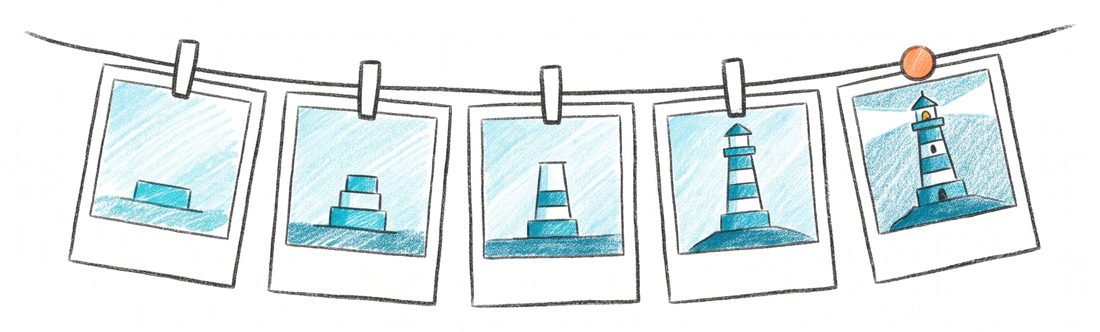
Tools such as Lovable can make commits for you. Open the history yourself and see what each commit changed. Ask the agent for small commits. If a design change makes things worse, you can find it and return to the earlier version.
Give GitHub access to Cloudflare
- Sign in at dash.cloudflare.com.
- Open My Profile → API Tokens → Create Token.
- Choose Edit Cloudflare Workers. Create the token. Save it somewhere private.
- From the dashboard home, copy your Account ID.
- If Cloudflare asks for a workers.dev subdomain, choose a name.
The API token gives GitHub permission to deploy to Cloudflare. The account ID tells it which account to use. Open your profile at the top right, then My Profile, API Tokens and Create Token. Choose Edit Cloudflare Workers, continue and create the token. Cloudflare shows it once, so copy it somewhere safe. Copy the Account ID from the right of the dashboard home. Never show your token on a shared screen.
Put the game on your phone
Set up automatic deployment to Cloudflare Workers. Use a GitHub Actions workflow that runs the TypeScript build, then uses wrangler to deploy the built site as static assets, on every push to main. I will provide a Cloudflare API token and account ID. Use the GitHub CLI to store them as GitHub Actions secrets. Name them CLOUDFLARE_API_TOKEN and CLOUDFLARE_ACCOUNT_ID. Push the changes. Wait for the workflow to finish. Give me the live URL.
Set the page title to "Lighthouse, by [your name]". Commit the change. Push it.
Open the live URL on your phone. The live URL is the address of your deployed app. Your phone loads the app from Cloudflare. After the title change, reload that same address. If you finish early, ask the agent to explain the workflow file or add a custom domain.
Deploy while the app is small
- Each push to main sends the app to Cloudflare.
- Set up deployment while the app has one file.
- Use the same workflow as the app grows.
- Share the live URL to show your latest change.
- This is continuous integration and deployment: checked, then shipped, on every push.
- Your token lives in GitHub's secrets, never in the code. A bad deploy is one revert away.

A workflow is a set of commands that GitHub runs. This one sends the app to Cloudflare after each push to main. We set it up while the app has one file. After the break, we will add checks to stop a broken change going live.
Check all three before the break
workers.dev URL opens on your phone.If a check is missing, raise your hand. If all three pass, help the next table.
Open the repo and the live URL beside each other. If you are stuck on the Cloudflare token, put your hand up and I will come over. Before we start again, everyone must have these three checks or work with someone who does.
Take a break
11:00 to 11:15. Come back for types and tests.
Turn it into a real app
Create a new Next.js app in TypeScript with create-next-app and move the game into it. Keep the design unchanged. Add the files needed to run it on Cloudflare Workers with the OpenNext adapter. Update the GitHub Actions workflow to deploy on each push to main. Run the app locally. Open it in my browser. Commit the changes. Push them. Give me the live URL.
The design, the URL and the workflow have not changed, and underneath there is now a Next.js app in TypeScript. That is the scaffold the page promised, done in one prompt because the rails were already there.
Test the locked door first
Add this rule: the Lamp Room door stays locked until the player visits the Keeper's Kitchen. Put the room-movement rules in a plain function that does not need a browser. First, write a failing test for this behaviour. At the start, pressing up from the Rocks must leave the player on the Rocks. The message must be "The lamp room door is locked." After visiting the Keeper's Kitchen, pressing up from the Rocks must take the player into the Lamp Room. Run the test. Show me that it fails. Then change the code to make it pass.
Add lint and the type check alongside the tests. Update the workflow for pushes to main. Deploy only if tests, lint and the type check all pass. Push the changes.
The game lets you enter the Lamp Room today. Our new rule must fail its first test because we have not added the lock. Read the failure before the agent fixes it. The game must remember a visit to the Keeper's Kitchen. Lint checks the code for common mistakes. Add all three checks to the workflow before deployment.
Check behaviour without reading code
- Write down the behaviour you expect.
- See the test fail before the agent changes the code.
- Run the same test after later changes.
- Stop deployment when a check fails.

You chose a rule you can check by playing the game. The test checks that rule after later changes too. A green tick proves the rules were followed. It does not approve the design. You still choose what the game does and whether it is worth keeping. If you need help before shipping, ask an engineer.
Stop a broken change
going live
This error is planned. It is the input to the next step.
Change the code so the Lamp Room door never locks. Leave the test unchanged. Commit the change. Push it.
Read the failed workflow run. Fix the cause of the failure. Push the fix.
This error is planned. It is the input to the next step. Look at the failed run on GitHub, then play the live game. The door must still lock there. Some machines pass first time and some show a different error. That is variation, not a mistake. Read the failure you have before you ask the agent to fix it.
Break the types, then run the linter
Change the move function to take a number for the direction instead of a word. Leave the code that calls it unchanged. Run the type check. Show me the result.
Add an unused variable near the top of the game component. Run the linter. Show me what it reports. Then remove the variable, run the linter again and show me it is clean.
A type says what kind of value the code expects. Our move function expects a direction word. We changed it to expect a number, but the caller still sends a word. Read the line named by the type check. Then tell the agent: "Restore the move function to take a word for the direction." Lint is the same idea for style and common mistakes: it reads every line, and the agent fixes what it names.
Checks you did not write
- Find mismatched values before deployment.
- Read the error to find the line that failed.
- Give the agent the error so it can fix the code.
- Get checks that you did not write yourself.
- Lint applies your conventions on every line. Nobody reviews style by eye.

The type check found a mismatch before you played the game. The agent can use that error to find the line and fix it. TypeScript adds checks throughout the code, like tests you did not write. Types cannot tell you whether the door locks at the right time. The next step tests that rule.
Keep the rules between sessions
This project may already have a CLAUDE.md and an AGENTS.md from the scaffold. Keep what is there and add these rules to both files. Before changing behaviour, write a failing test. Before saying a change is done, run tests, lint and the type check. If a check fails, do not push. Commit after each small change. Ask before adding a library. Save the same rules in AGENTS.md.
Close the agent and start a new session. Ask: "Which project rules must you follow?" Listen for all five rules. Claude Code reads CLAUDE.md. Codex and Cursor read AGENTS.md. The files give the next session the same instructions. Add rules for choices that the automated checks cannot make.
Build a feature of your own
Tell me your plan for this feature before you change any code. Then wait for me.
- Design the screen. Use fixed example data. Change the look first.
- Test the behaviour. Write a failing test, then change the code.
- Put it online. Commit and push. Check the live URL.
Add a fifth room with its own rule.
Pick up a key in the Keeper's Kitchen. Show it in an inventory.
Remember my room when I reload the page.
Redraw the room illustrations in a style you choose. Art-direct the agent.
Move the rooms into a Cloudflare D1 database. Create the database with wrangler. Write a migration to create a rooms table and add the four rooms. Apply the migration locally, then remotely. Add the binding to the wrangler configuration. Load the rooms from the database in a route handler. Keep the movement rules pure so the existing tests still pass. Make the GitHub Actions workflow apply migrations before deployment. Push the changes. Give me the live URL.
Add a fifth room called the Cellar below the Keeper's Kitchen. Use one SQL insert against the remote database. Do not change any code. Do not deploy.
Check: reload the live URL. The Cellar appears without a deployment.
Plan first: one line, no document. Read the plan, correct it in plain words, then let it build. That is all the spec a change this size needs; the design and the test are the rest of it. Start with the screen: "Add a screen for X. Hard-code the data. Open it in my browser." The hard-coded version will look wrong in places, because the data is fake. That is expected until the behaviour lands. Change the design until it looks right. Then ask: "Write a failing test for X. Change the code to make it pass." Finish with: "Commit the change. Push it." If you finish early, try D1 with the token from step 3. Check that it grants D1 access. D1 stores the room data outside the browser for the first time. Keep movement rules pure: they take values and return results without reading the database. If it fails, ask the agent to remember your room after a reload instead.
Change rooms without changing code
- Keep the room data outside the browser.
- Show each player the same set of rooms.
- Add the Cellar with one SQL insert.
- Change the room data without deploying new code.
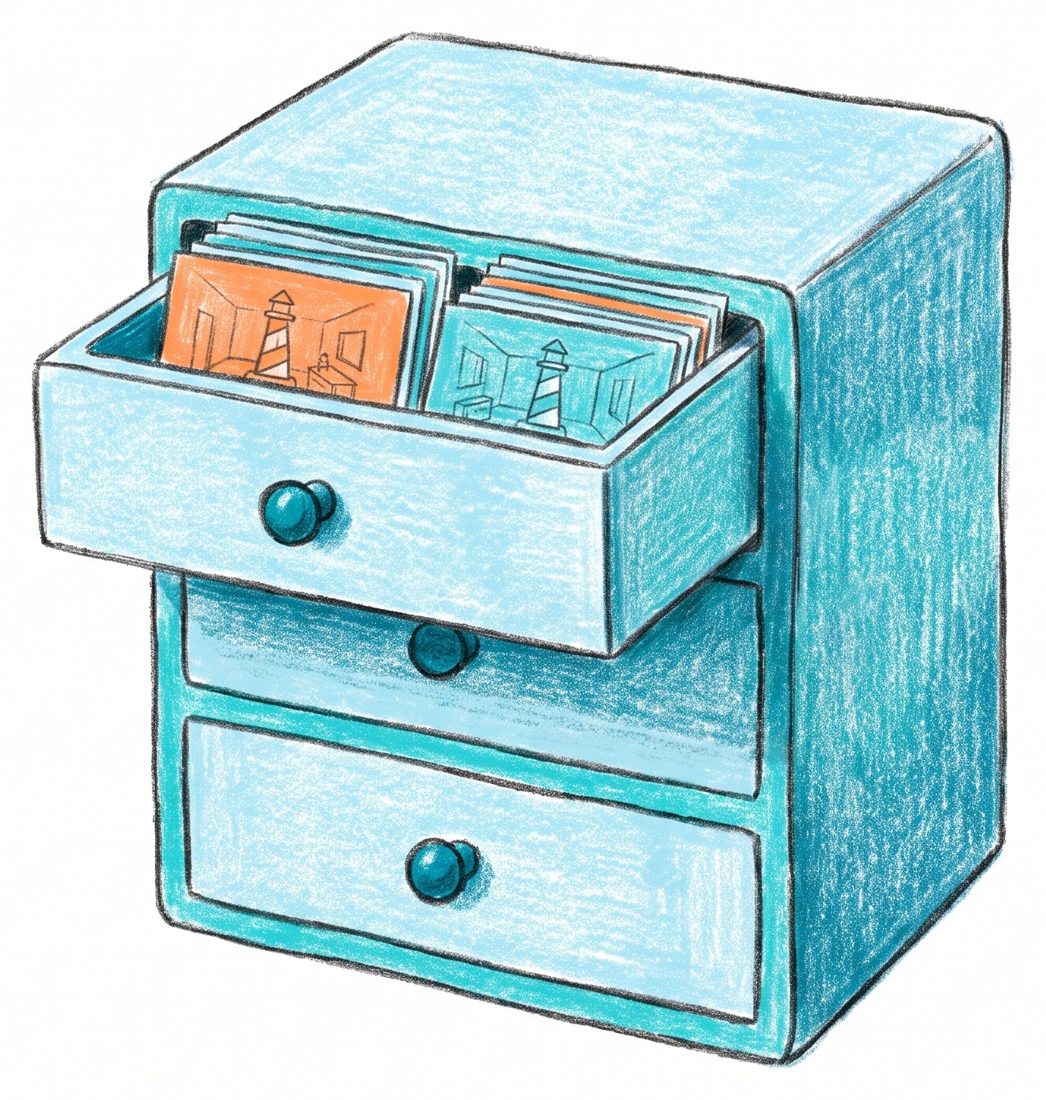
If you tried D1, show us the Cellar at your live URL. A database stores data that the app reads. D1 holds the rooms in a table outside the browser. One SQL insert adds the Cellar to that table. The app reads the extra room without a new deployment. Your position and visited rooms still stay in the browser.
A workflow for your next project
- Prototype the screen as one file. Change the look until it is right.
- Put it in git. Push it to GitHub.
- Deploy on every push, while the app is one file.
- Make it a typed app. Same workflow, same URL.
- Write the failing test for the next rule. Make it pass. Deploy only when tests, lint and types pass.
- Write the project rules in CLAUDE.md and AGENTS.md.
- Every feature: design, then test, then push.
What the page said you would leave with:
- A Next.js + TypeScript application built on production-ready foundations
- A GitHub repository with CI configured
- Automated testing and linting workflows
- A reusable CLAUDE.md / AGENTS.md setup
- A workflow you can immediately apply to future projects
This page stays up. Your app is in your GitHub and on your Cloudflare. chrismdp.com/coding-with-ai has the longer version.
This list is the workflow. On Monday it is the same for a real product as it was today for a lighthouse. The order matters more than the tools. Then the close.
What you learned
Before I ship this, I must speak to ______.
You just did what a CTO does on day one of a product. The agent typed. You judged. Take the app and its checks to your next conversation with an engineer.
You can take an engineer a live URL, a repo and tests for the behaviour you want. Those give you something concrete to discuss. Before you ship to users, talk about what else the app needs. Write the name of one person to speak to. Then we have time for questions. There is more at chrismdp.com/coding-with-ai.
Notes window. → ← move both windows. P back to slides.
→ ← change slide · N show notes · D switch view · Home go to start