AI Can Do (Most Of) Your Work

AI Can Do (Most Of) Your Work

From AI god to AI team.

· Chris Parsons
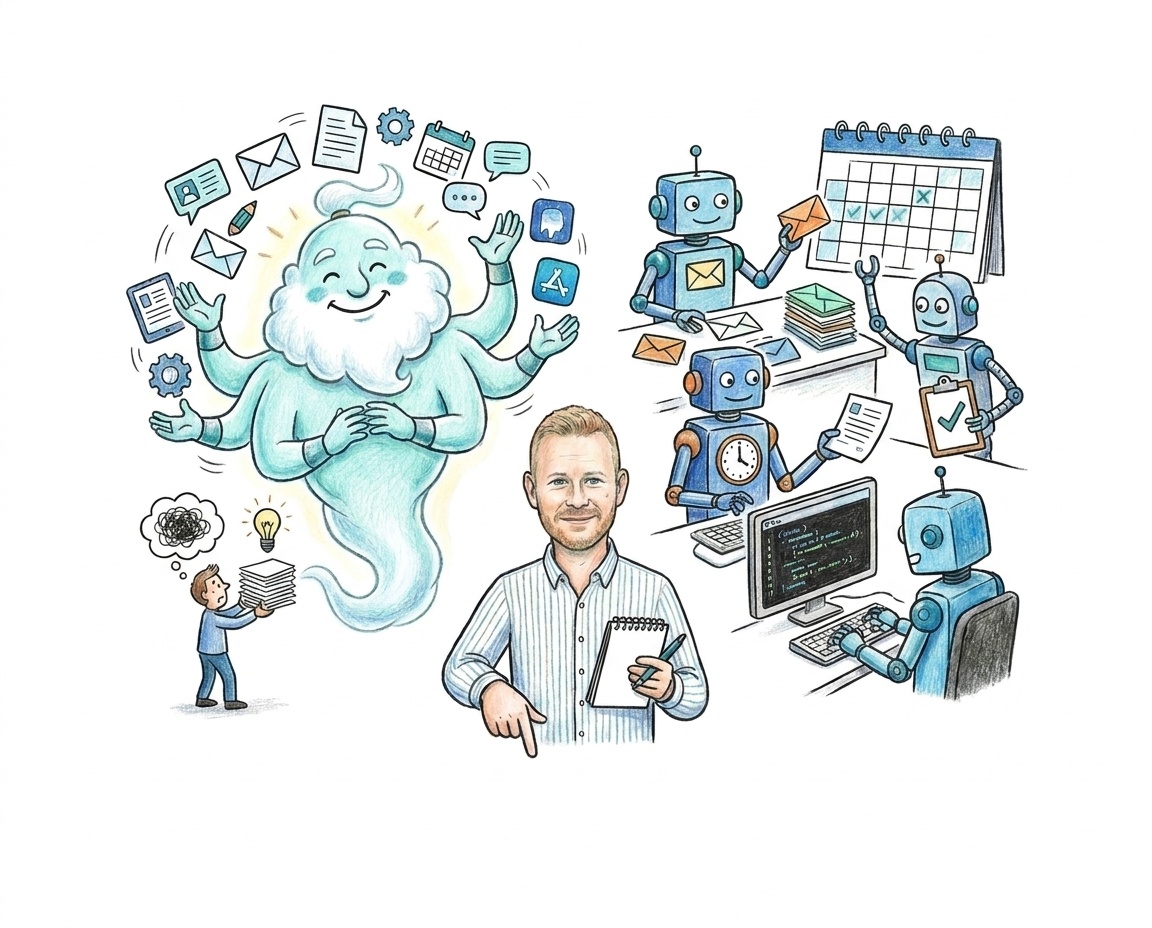
Hand-drawn motif: a friendly many-armed genie juggling apps on one side, small robots each doing one job on the other, and Chris in the middle with a notepad.

I'm Chris, and I run most of my business with AI

Line drawing of Chris Parsons
Chris Parsons

Tech founder and CTO. Five startups founded, two VC-backed. Four AI systems shipped to production.

Now I help leaders and their teams work out where AI actually helps, and where it doesn't.

Where I was in March14:02

In March, I saved everything where AI could read it

  • In March: 44 skills running most of my business.
  • All of them working over one vault where I save everything.
  • Notes, meeting transcripts, voice notes, saved articles.

That part is still true. It's the foundation for everything today.
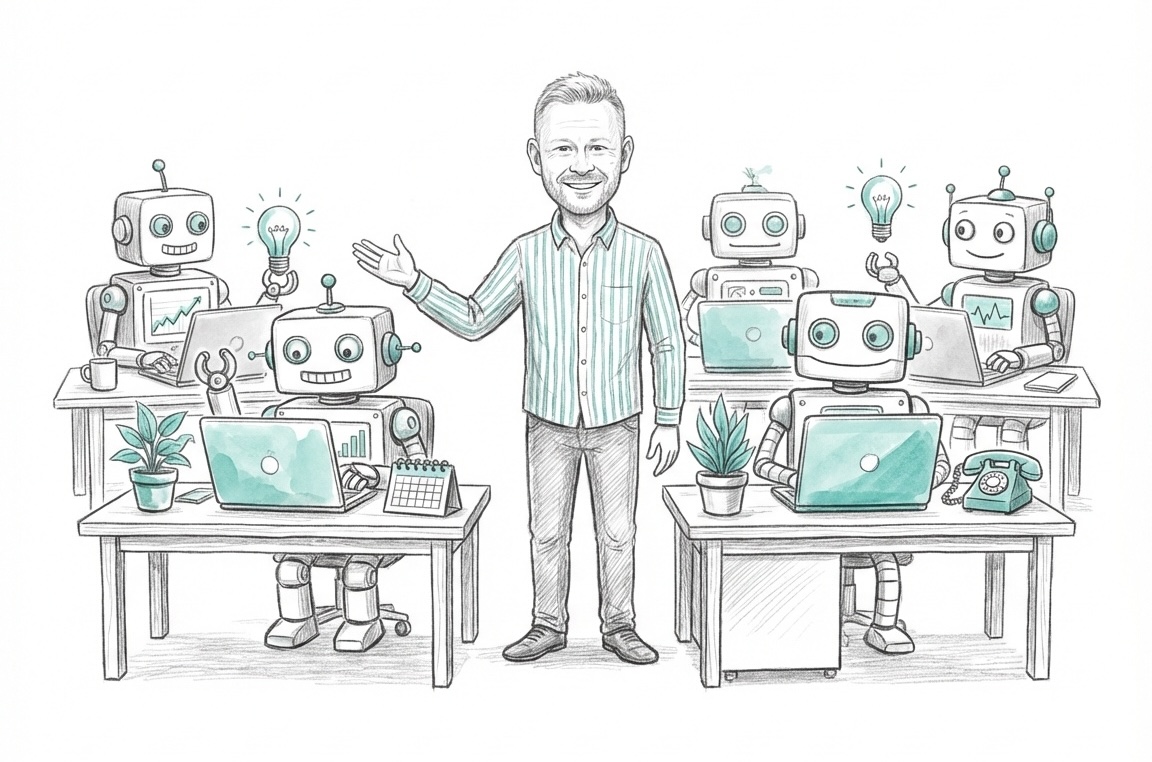
Chris standing in an office full of small robots, each working at its own desk.
Today14:03

Here's what we'll cover today

  1. The mistake I made: handing one AI everything.
  2. The work that stays with you.
  3. How I lay out the rest: writing, coding, and simple jobs.
  4. Where this ends up: AI goes invisible, like electricity.

Questions in the chat any time.

1 · The AI god14:04

With everything in one place, I started asking AI for everything
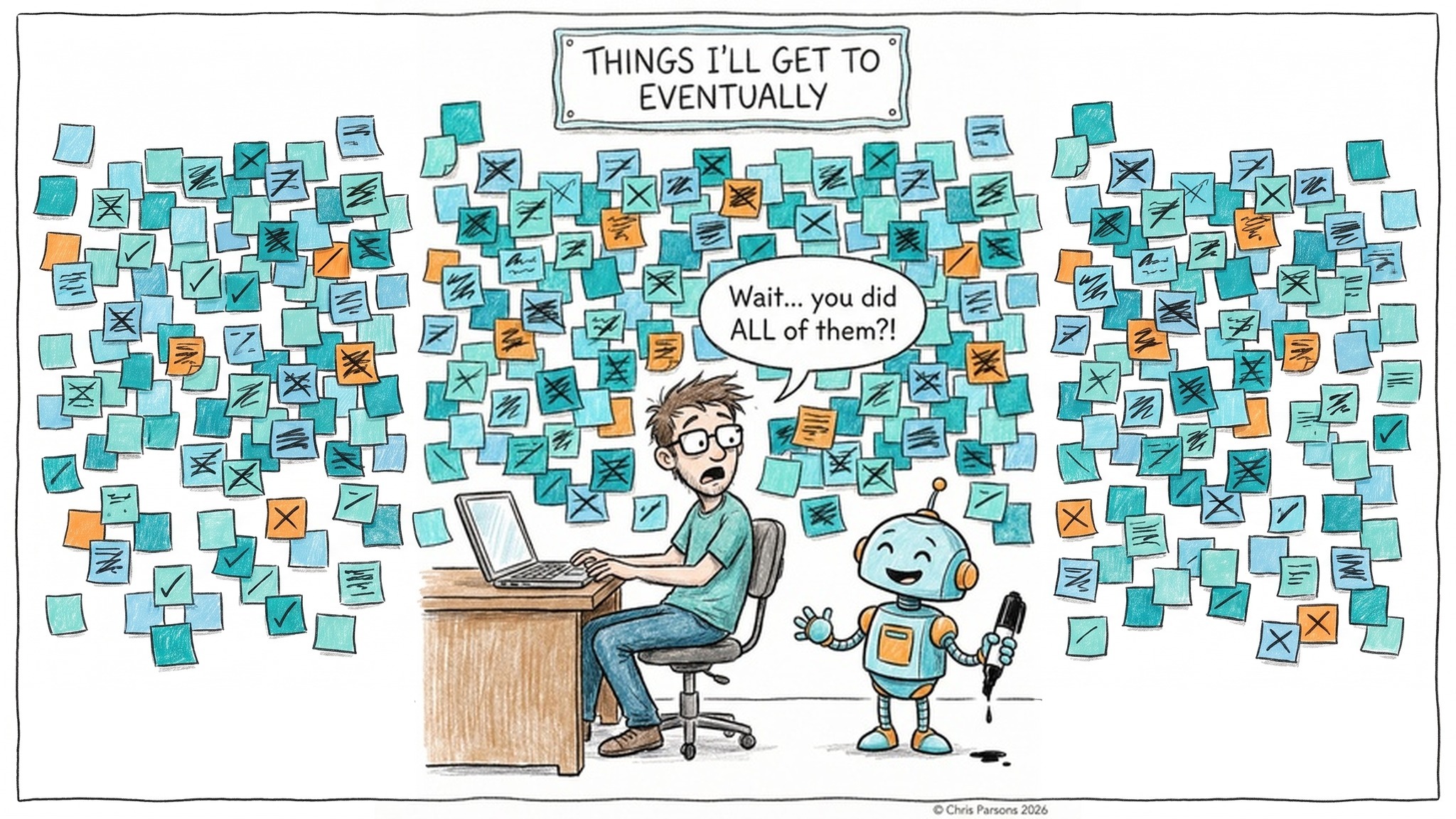
Comic: a man at his laptop under a wall of ticked-off sticky notes headed Things I'll get to eventually. A small robot holding a marker says: Wait, you did ALL of them?!

What came back was plausible, and average
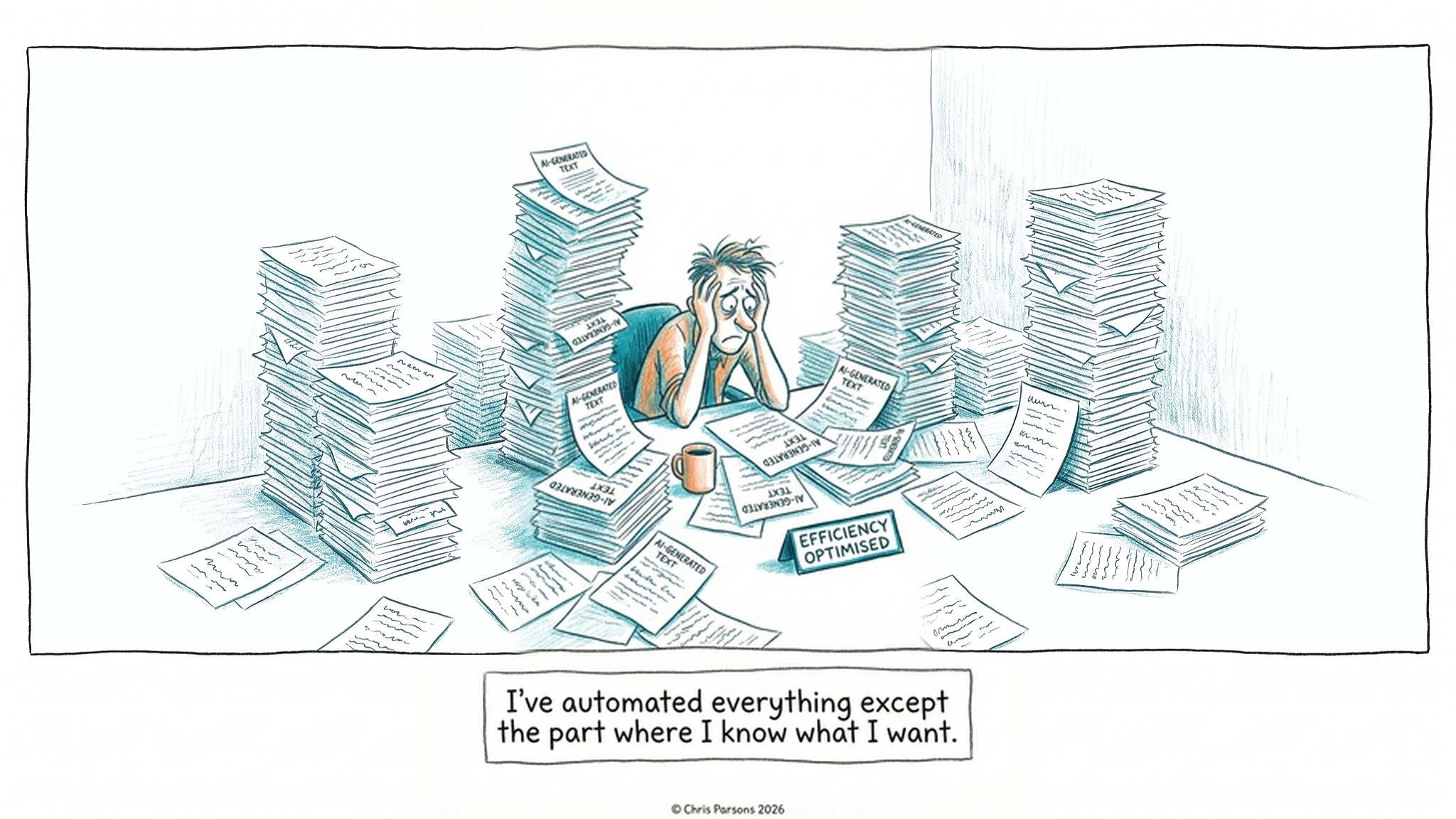
Comic: a man with his head in his hands, buried in stacks of AI-generated text, one pile labelled efficiency optimised. Caption: I've automated everything except the part where I know what I want.

One AI that sees everything is also a security risk
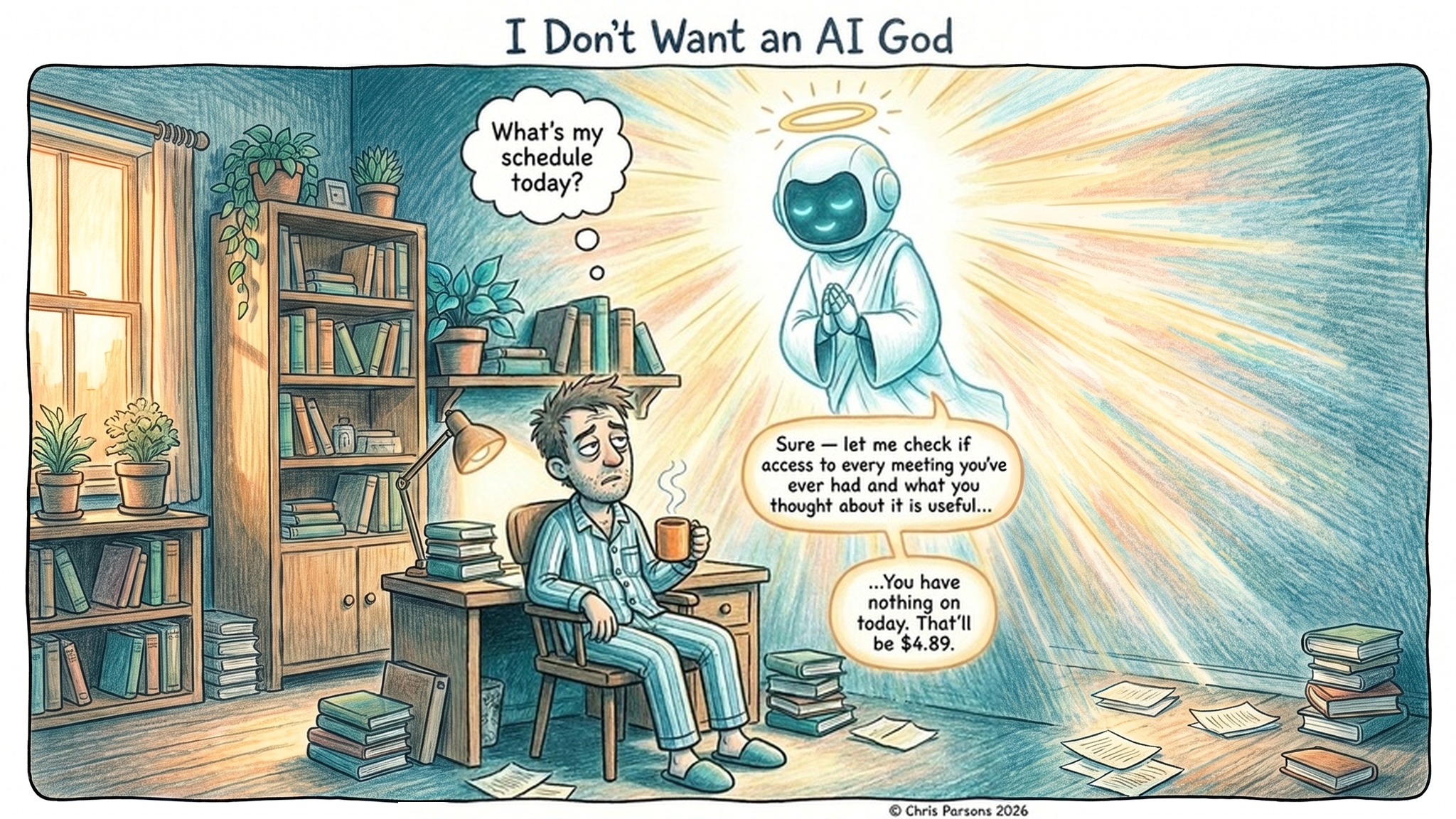
Comic, I Don't Want an AI God: a tired man in pyjamas asks What's my schedule today? A glowing robot god replies that it will check whether access to every meeting he's ever had is useful, then: You have nothing on today. That'll be $4.89.

And we trust it even when it's wrong

73%of the time the AI was wrong, people accepted its wrong answer
1,372people, across three experiments. Their confidence went up with the AI there.

Steven Shaw and Gideon Nave, Wharton School, "Thinking: Fast, Slow, and Artificial". Addy Osmani calls this cognitive surrender.

2 · What's yours14:09

So the question isn't what AI can do, but what it shouldn't
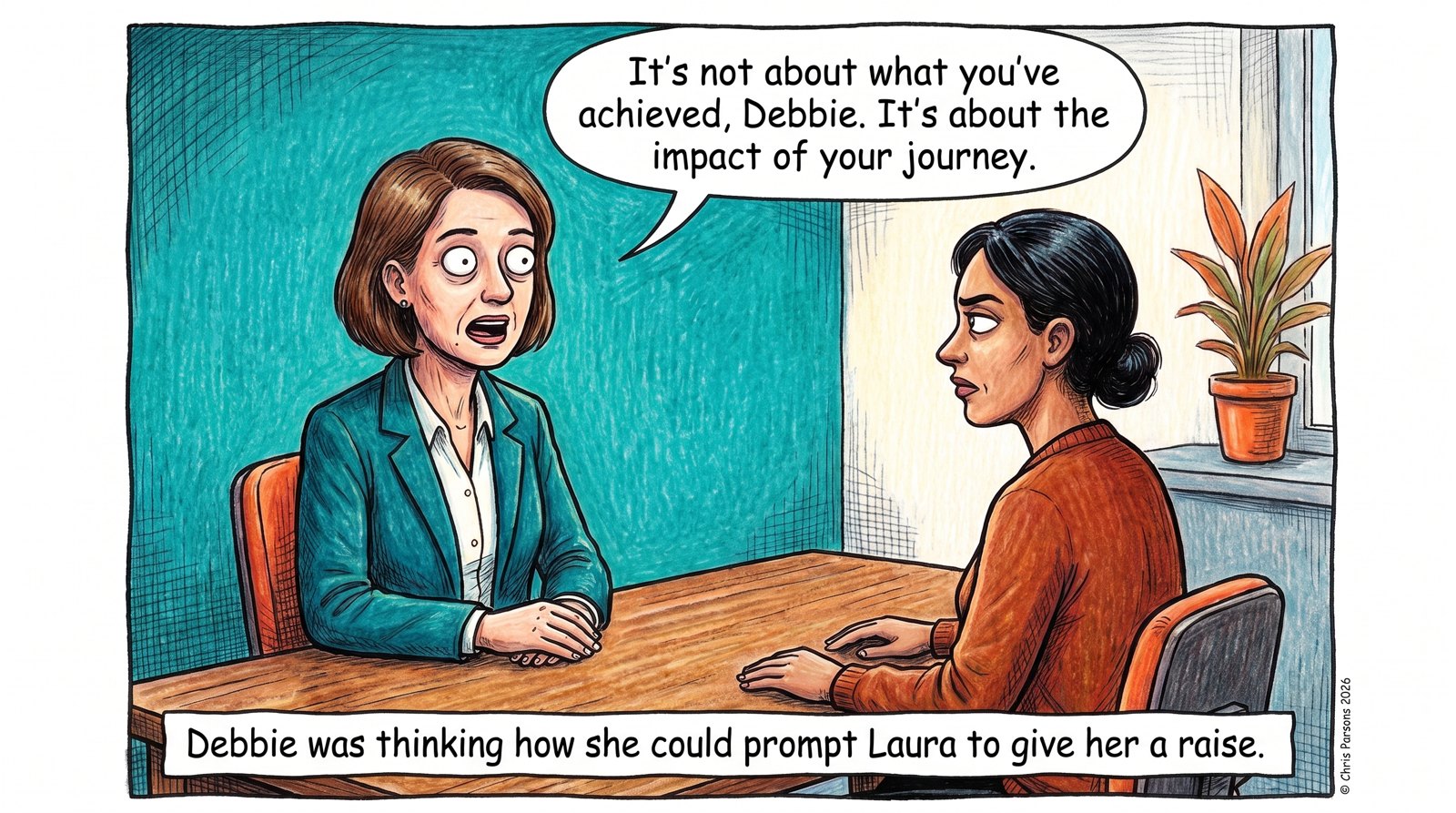
Comic: in a performance review, Laura stares into space and tells Debbie: It's not about what you've achieved, Debbie. It's about the impact of your journey. Caption: Debbie was thinking how she could prompt Laura to give her a raise.

Three things stay with you: relationship, expression, accountability

Relationship and connection

Hywel Carver's test: would you be comfortable telling the other person you used AI?

Expression

Writing that carries you, rather than information or ideas you've already formed.

Accountability

Stand behind every line. "AI wrote that, just ignore it" is not an answer.

3 · Laying out the rest14:13

Everything else you can hand over, without clever prompts

"Talk to Claude the way you would a coworker. There's no secret to prompting… Back in the Sonnet 3.5 days, your prompt mattered a lot. Nowadays, it's much more important to communicate to the model: 1. What you want it to do. 2. How much effort you want it to spend. 3. How it should verify that it did the right thing."Boris Cherny, creator of Claude Code, on X, 6 October 2026

I give every agent three things: the goal, the effort, the check

Boris's threeWhat it looks like for me
What you want it to doThe goal, in plain words, like briefing a colleague.
How much effort to spendWhich model, at which effort level: Fable High, Astra High.
How it should check its workTests. Review pages. And "done" is a claim, not evidence.
4 · Thinking with AI14:16

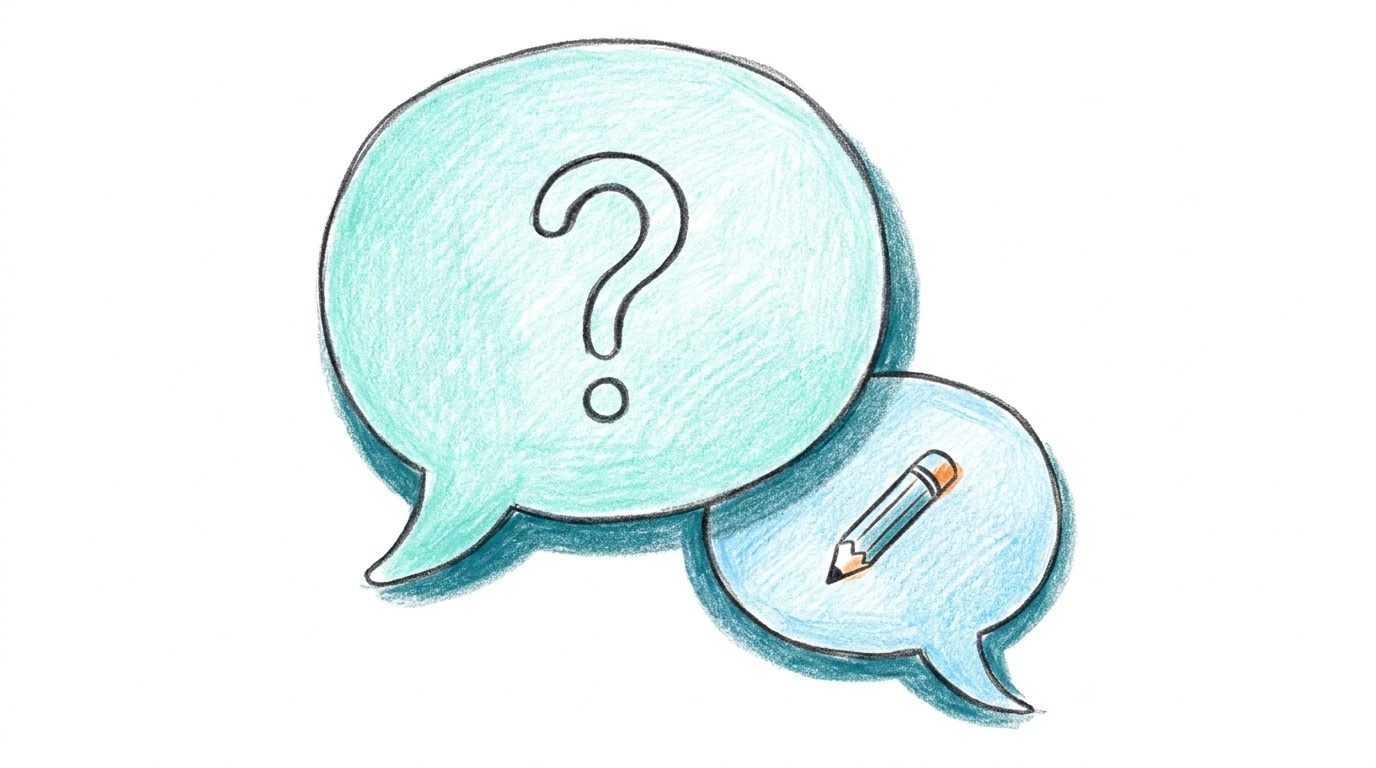
When I need to think, I get AI to ask me questions

Asking for answers gets you average. Asking for questions makes you do the thinking.

Try this
Help me think through [the decision].
Ask me questions, one at a time.
Don't give me your view until I ask for it.
When that stalls, I write the argument myself

What I used to do

Dictate a stream of consciousness, let the AI polish it, send it.

90% good enough. Not my formed thoughts.

What I do now

When the output isn't landing, I stop asking and write the argument out myself. Then I hand it back.

I give feedback on a page, not in a chat box
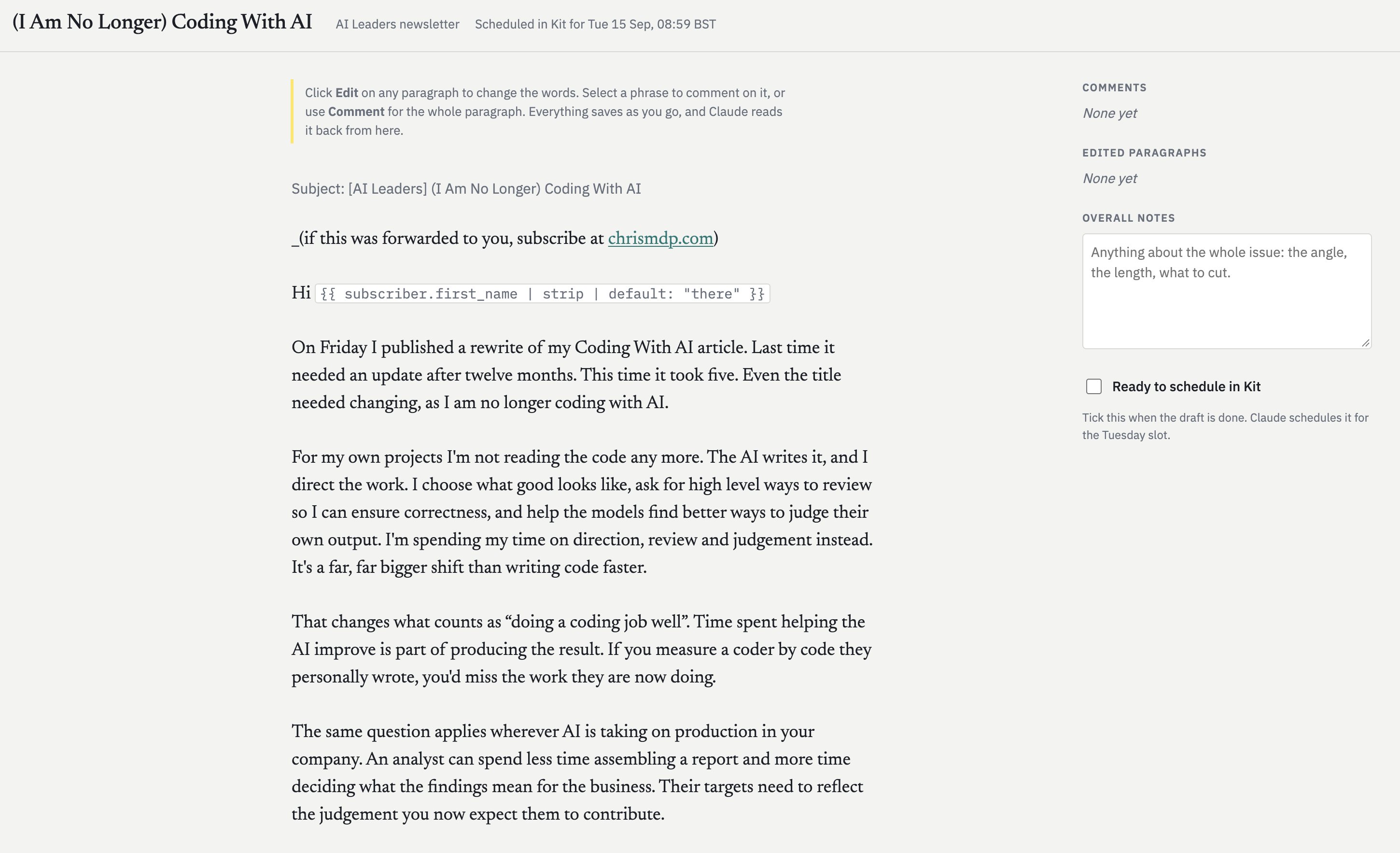
The newsletter review page: the issue's paragraphs with Edit and Comment on each, and a side panel for comments, edited paragraphs and overall notes.
  • Ask the agent to build you a review page.
  • Edit any paragraph in place.
  • Comment on a phrase or a whole section.
  • It saves as I go, and the agent reads it back.

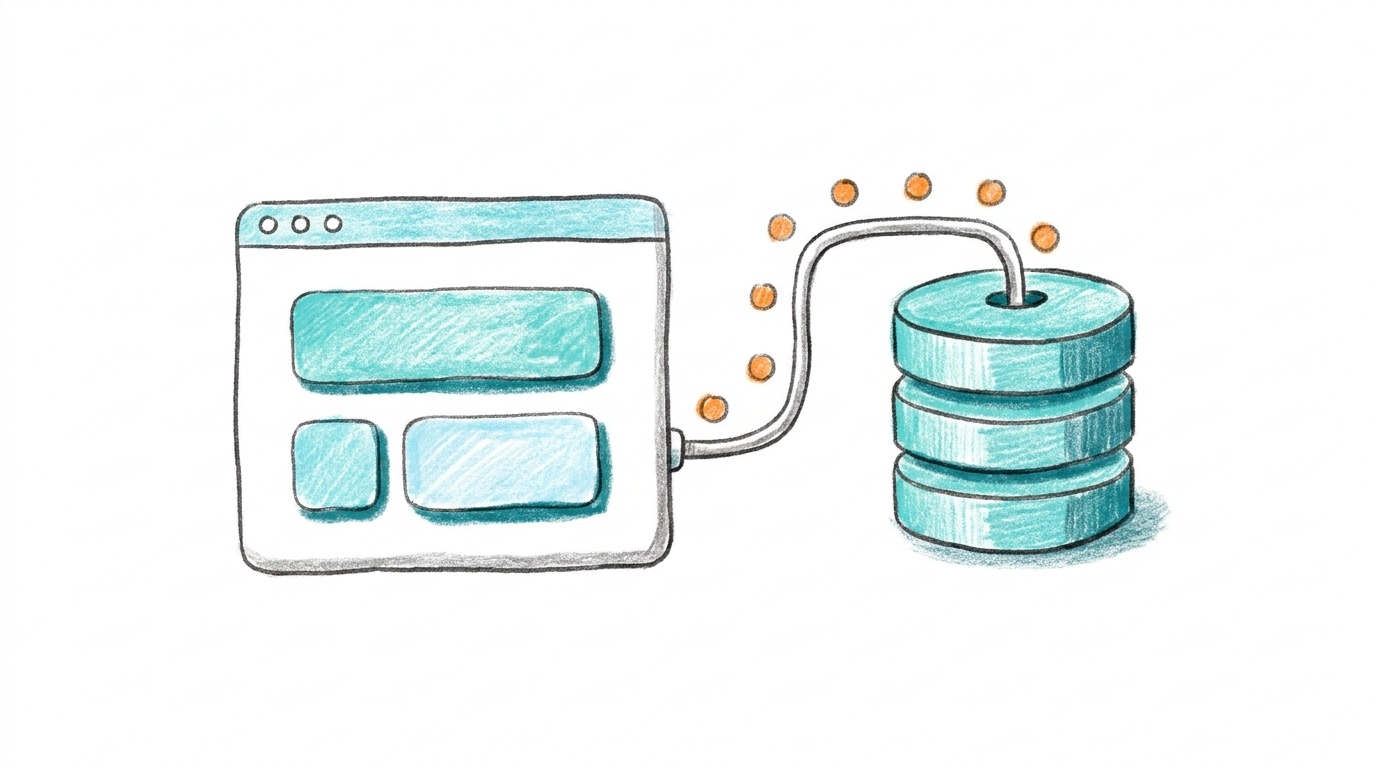
Those pages are now easy to make

Claude artifacts

A published page that can keep data, for each person or shared between everyone who opens it.

Codex Sites

Codex builds and hosts small web apps with their own data and files.
Example 1 · Writing14:21

Writing: fluent words no longer prove I've thought

"AI is brilliant at converting thoughts and very bad at coming up with original ones. The danger is that it converts so well that you do not notice the original thinking has been skipped."Me, in "(I Think Whilst) Writing With AI" · chrismdp.com/writing-with-ai
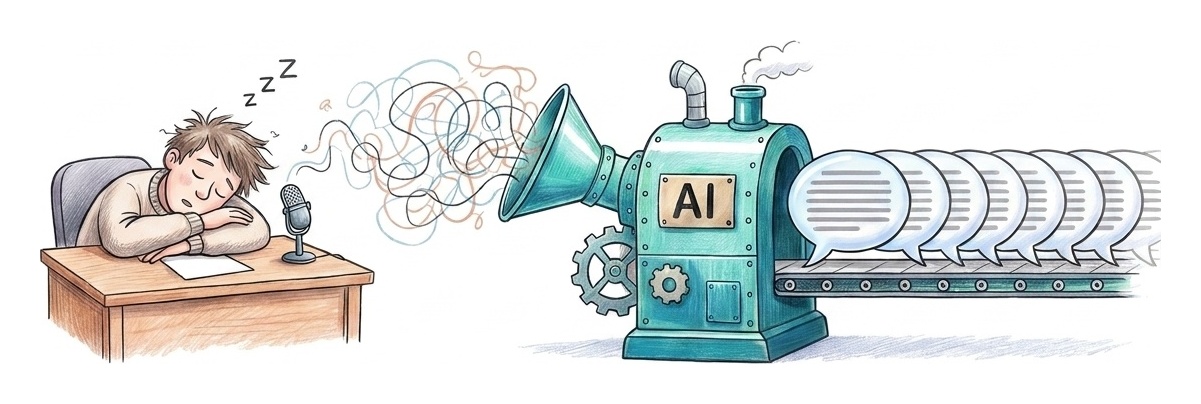
A man asleep at his desk while a big turquoise machine labelled AI turns his tangled half-formed thoughts into a neat row of identical polished pages.

So I write the argument, and AI helps with the rest

  1. AI pulls up what I already know from the vault, as bullet points.
  2. I write the argument myself, typed or dictated.
  3. I edit on a review page, commenting on paragraphs.
  4. I read every line and ask: do I stand behind it?
If I want help with structure
From this, give me a structure.
Do not write the prose.
List the argument, the open questions,
and what is missing.

And I stand behind every line

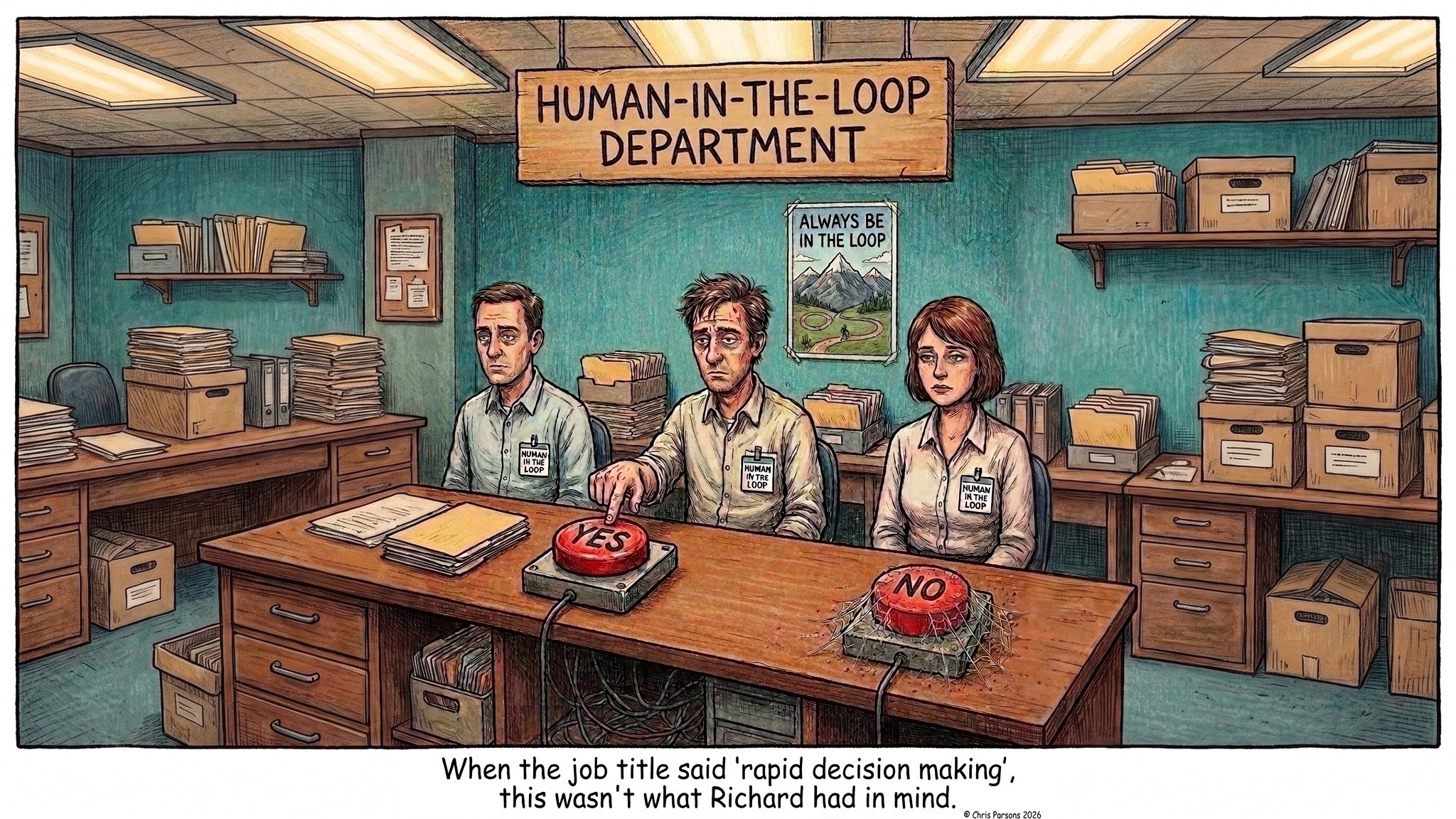
Comic: the Human-in-the-Loop Department. Three exhausted staff sit at a desk with a YES button and a NO button covered in cobwebs. Caption: When the job title said rapid decision making, this wasn't what Richard had in mind.
Example 2 · Coding14:26

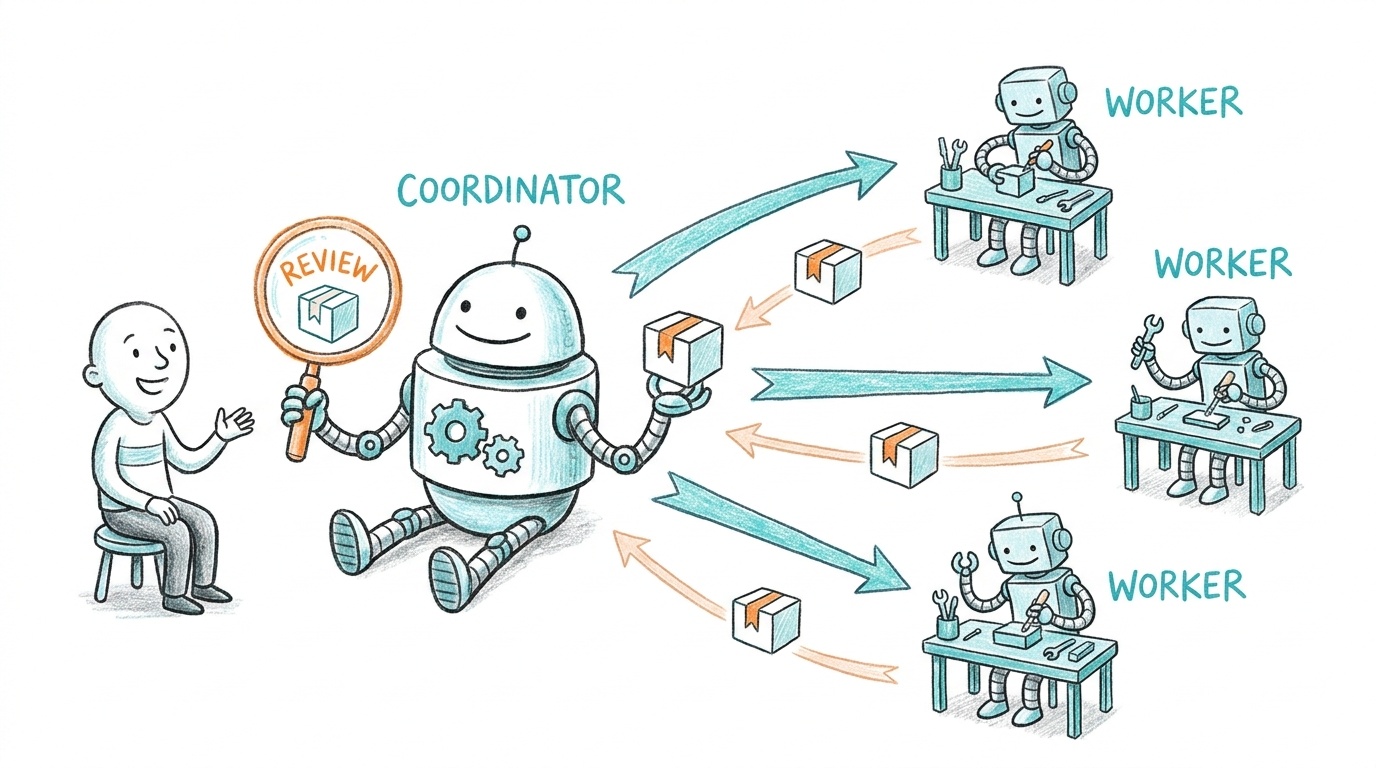
Coding: I talk to one coordinator, and it runs the workers

  • I talk to one agent about what we're building.
  • It hands bounded jobs to cheaper workers in the background.
  • It reviews what comes back and fits it in.
  • Fable and Astra review each other's work.
  • More: chrismdp.com/coding-with-ai
Diagram: Chris chats to one larger robot labelled coordinator. It sends jobs out to three smaller robots labelled worker, each at its own bench, and they hand finished boxes back for the coordinator to check with a magnifying glass labelled review.

I decide what to delegate by asking who will look at the result

A test can check it

Delegate the whole thing and forget about it.

A person has to see it

A screen, a flow, a design. I work on it with the agent, like this.
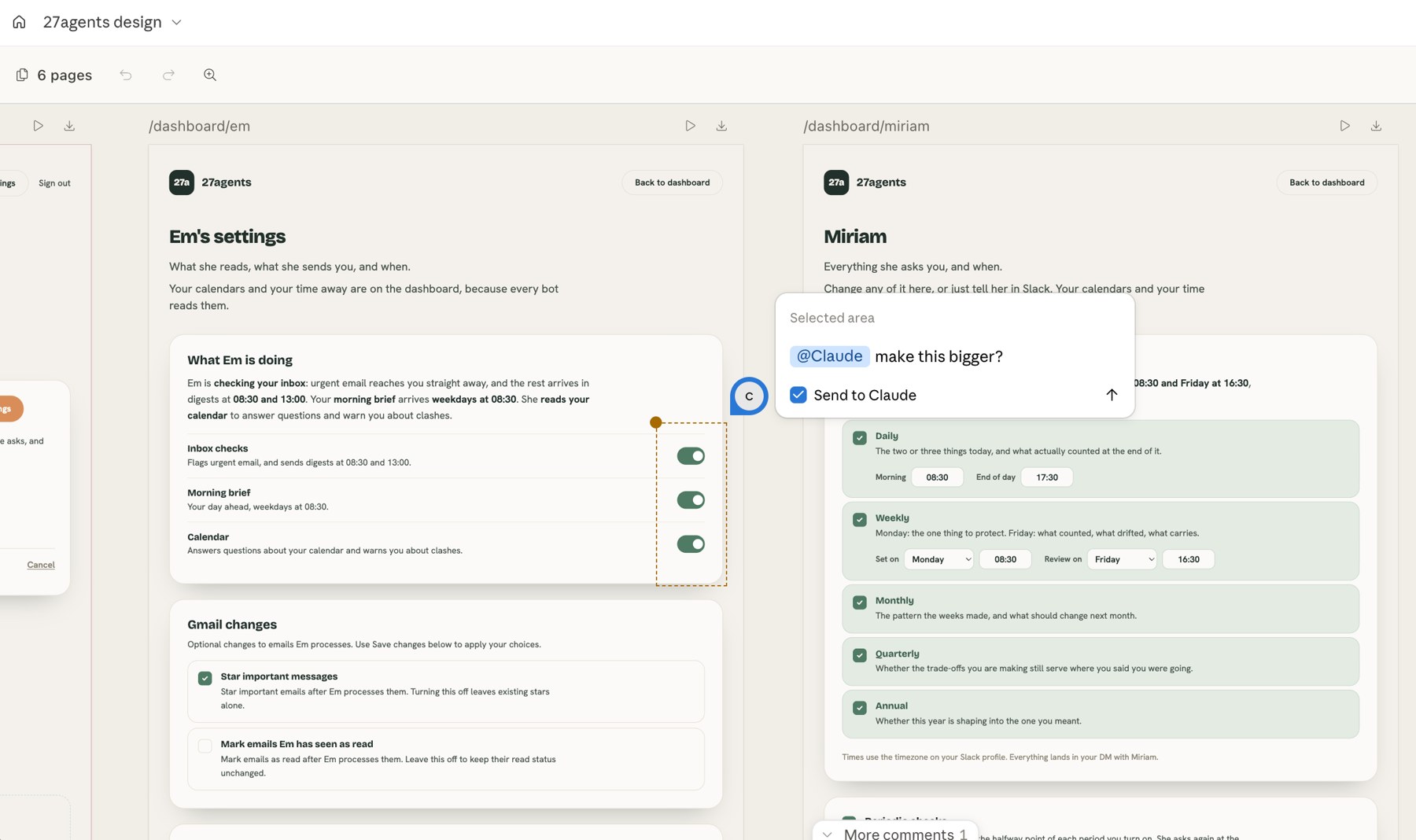
A Claude design canvas for 27agents showing two settings pages side by side. An area of toggles is selected, with the comment: @Claude make this bigger?

I get the agent to build the page I review on
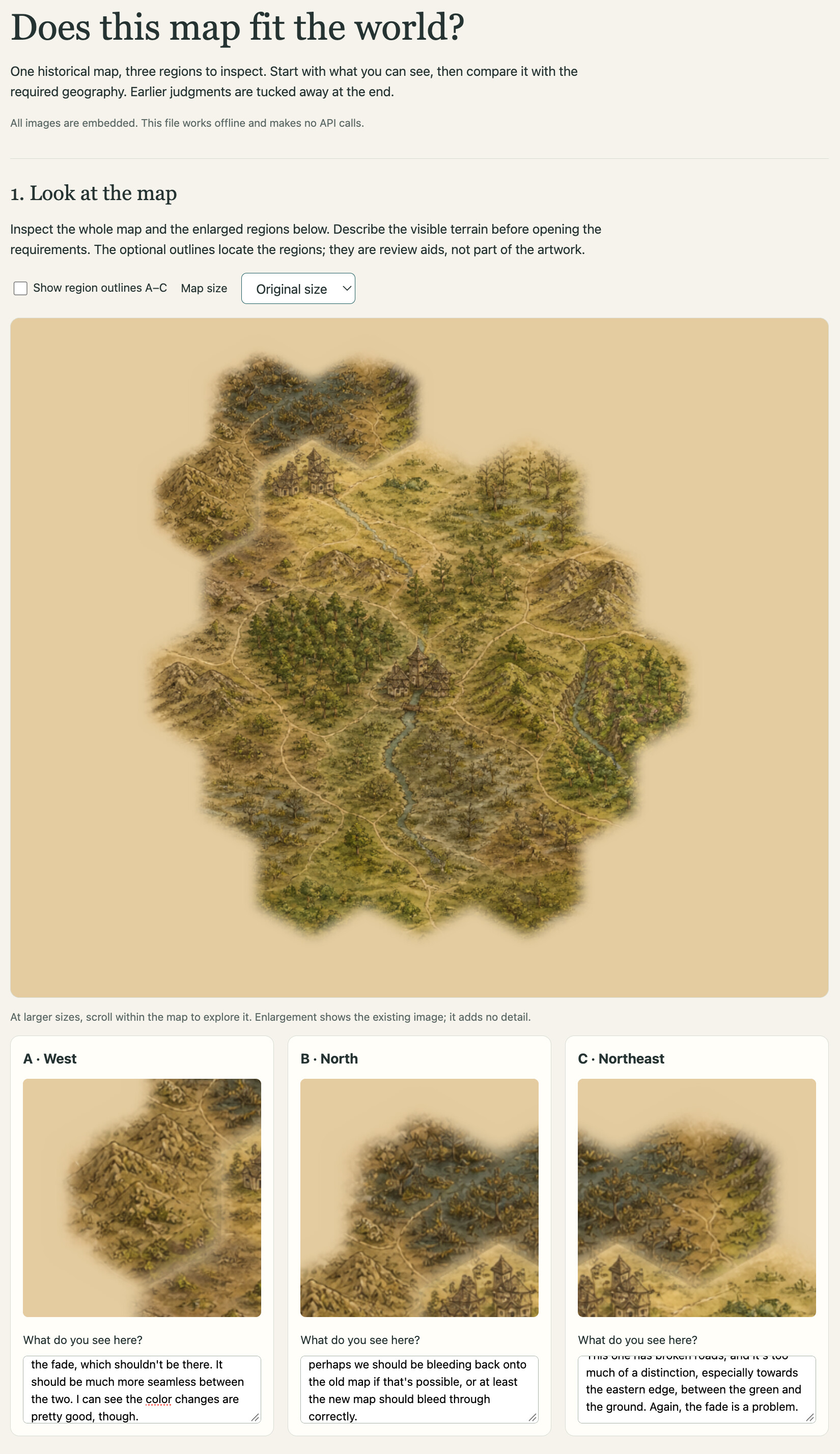
The map review form: the whole game map, enlarged regions, and space for Chris's notes under each one.
  1. I say what I see, before anything else.
  2. Then the requirements.
  3. Then the AI's earlier verdict.

"My job is not to write good code. It is to ensure that good code is written." After Jeffrey Fredrick.

But the judging is still tiring, and still mine

"Better review pages make each decision easier to reach. They do not make the number of decisions disappear."
In both writing and coding

I hand over the converting and the building. I keep the argument, the design decisions and the final check.

Example 3 · Simple jobs14:32

Simple, repeatable jobs go to a team of agents

  • They don't go to Claude.
  • They go to agents in 27agents, each with one job.
  • The setup for each job has already been thought through.

I still do my real thinking in Claude, in my vault.
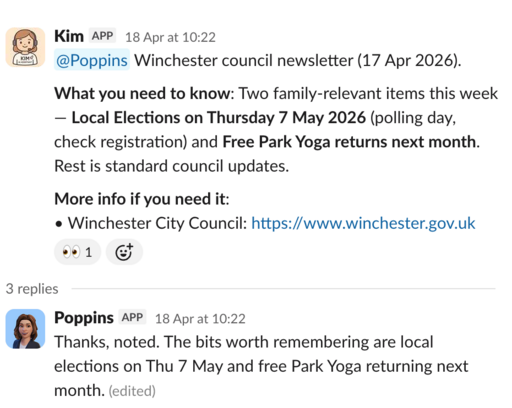
Slack thread: Kim, the email agent, passes a council newsletter summary to Poppins, the home agent, who replies with the bits worth remembering.

Each agent has one job, and you can see what it does
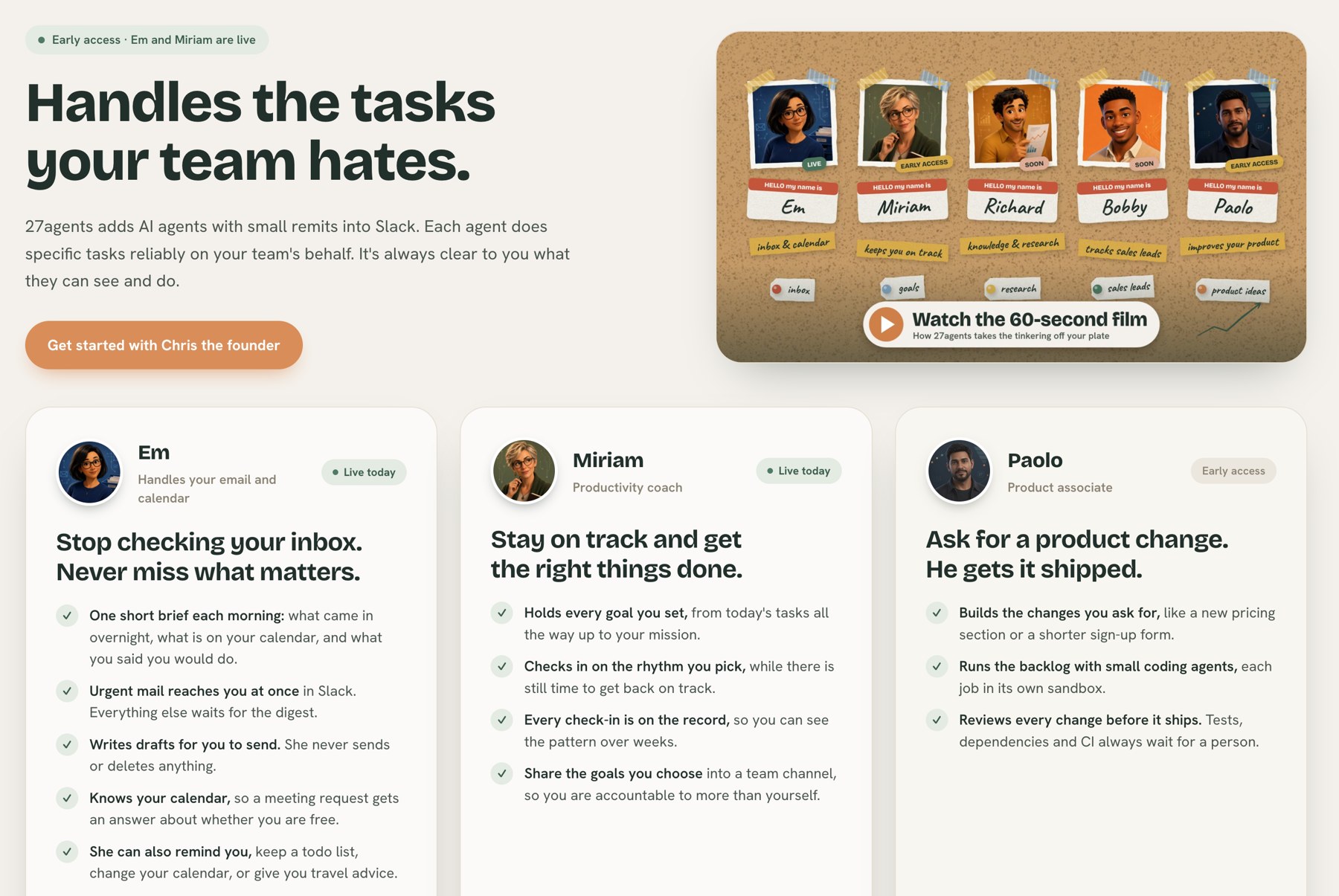
The 27agents home page: Handles the tasks your team hates. Cards for Em, who handles email and calendar, Miriam, a productivity coach, and Paolo, a product associate, each listing the specific jobs it does.

Open question: where should the agents' context live?

Files

Still the best, for me. Plain notes any agent can read.

MCP

Also useful: the agent reaches into the tools where the information already sits.

An open question. What's working for you?

The big players are all building agents, in different shapes

ProductWhat it isThe catch
OpenAI DotsOne personal agent, your "primary dot"Specialist dots are only in enterprise pilots
Grok Bot (xAI)A team of bots you set up yourselfEvery bot shares one computer per account. Grok 4.7 only.
Claude Tag (Anthropic)Tag an agent into a Slack thread. The channel decides what it can see.A general agent. Unmetered, and expensive.
Shopify RiverA Slack agent built in-house, public channels onlyNarrow job, but open about its work

Others, such as Spotify, are building similar things.

Shopify built its agents on shared wiring

1 in 8merged pull requests co-authored by River
59,918sessions in 30 days, across 5,170 channels
7,000+people whose work it touched
"A private agent has a ceiling: the person at the keyboard."Shopify Engineering, "Under the River", 2026

So the real question is who does the wiring

Nobody learned electricity to use a socket.

You get handed the wire
  • Grok Bot: create and set up your own bots.
  • Dots: one general agent you learn to instruct.
  • Claude Tag: a general agent. You work out what to ask.
It comes wired in
  • Google's Daily Brief: one job, switched on.
  • Shopify: a platform team builds agents for everyone else.
  • 27agents: Kim does email. You never write a prompt.
Where this ends up14:40

Today, we're all wiring our own batteries
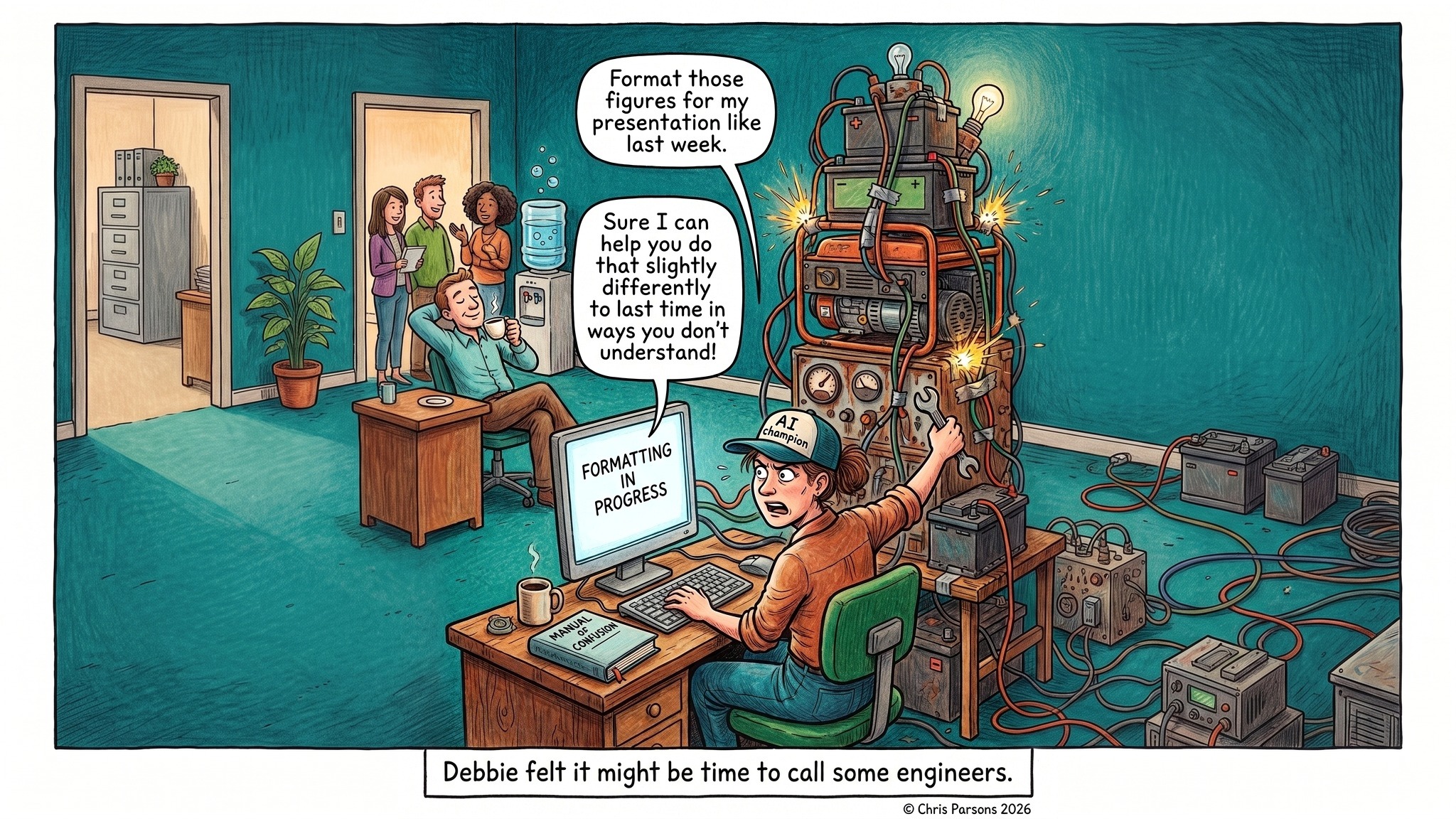
Comic: Debbie, the AI champion in a cap, wrestles a sparking tower of home-made generators and cables wired into a computer showing Formatting in progress, while a colleague asks her to format some figures. Caption: Debbie felt it might be time to call some engineers.

Electricity paid off when every machine got its own motor
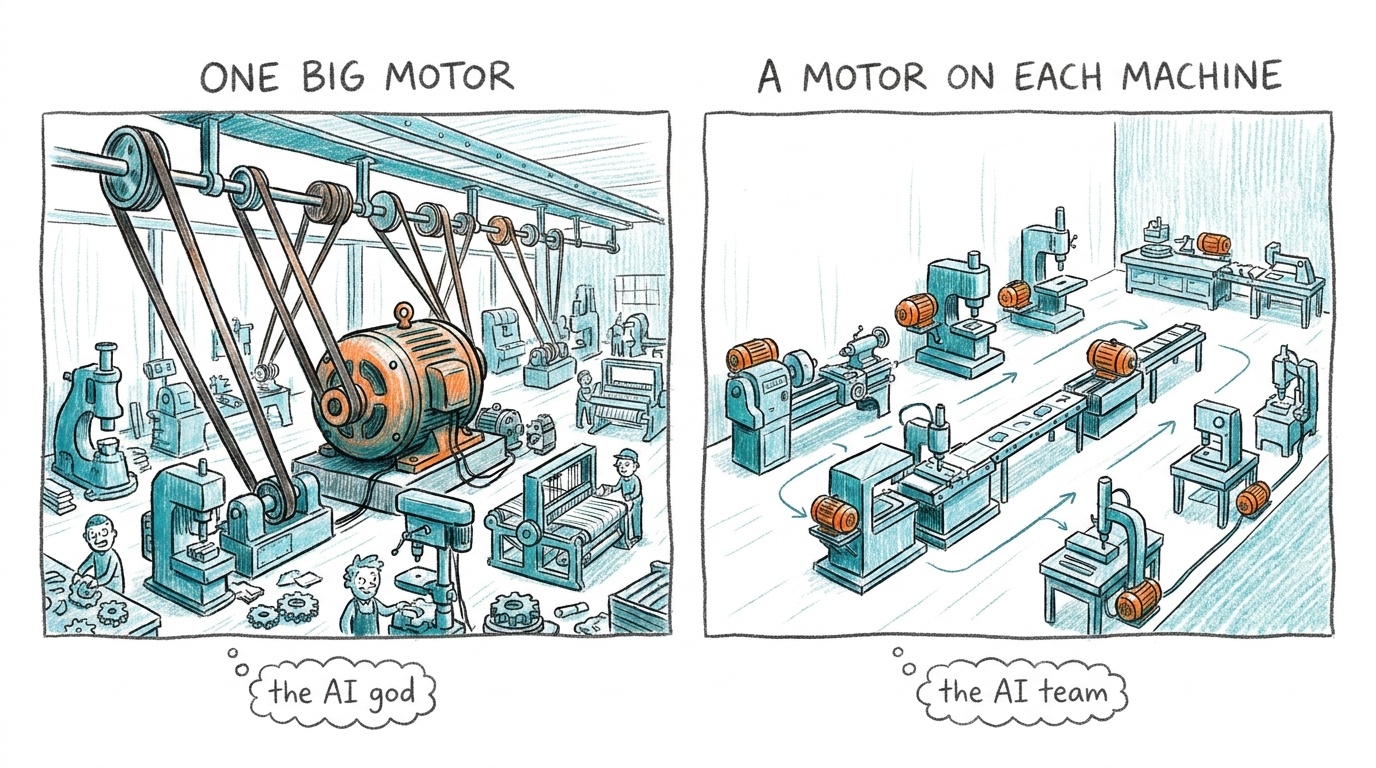
Two panels. One big motor: a factory where a single huge electric motor drives a shaft and belts to every machine, tagged the AI god. A motor on each machine: the factory rearranged with a small motor on every machine and work flowing in a line, tagged the AI team.

One engine driving everything is the AI god. A motor on each machine is the team of single-job agents.

And it won when nobody had to think about it

  • Narrow jobs run on cheap models. A narrow context is far cheaper to keep running.
  • They sit inside the tools people already use.
"Two years from now, the agent will not be the interesting part. What's underneath it will be."Shopify Engineering, "Under the River"
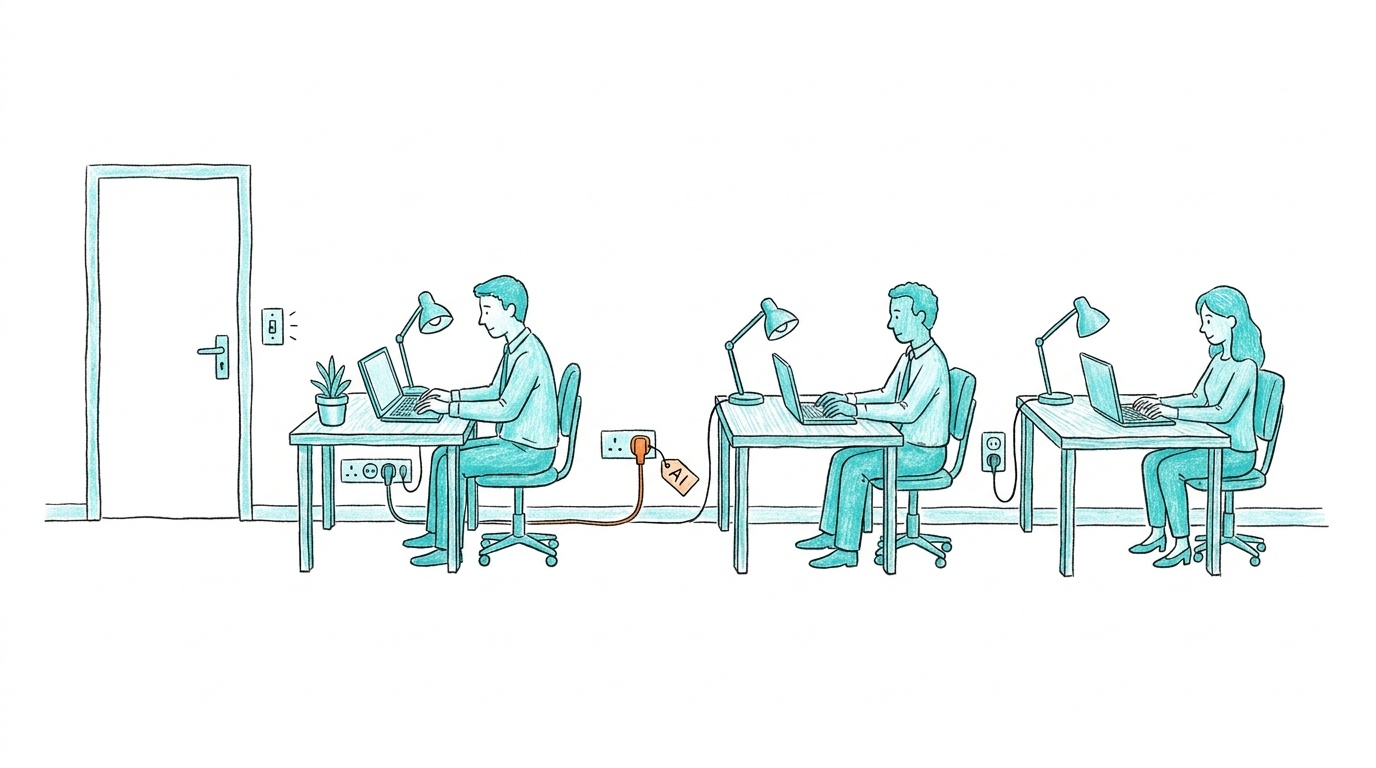
An everyday office: people working at tidy desks, laptops and lamps plugged into ordinary wall sockets, a light switch by the door, and one plug tagged AI.

So let someone else do the wiring, and keep what's yours

Spend your effort on the work only you can do.

  • Relationship
  • Expression
  • Accountability

Questions?

Want a team of single-job agents in your Slack? 27agents.ai
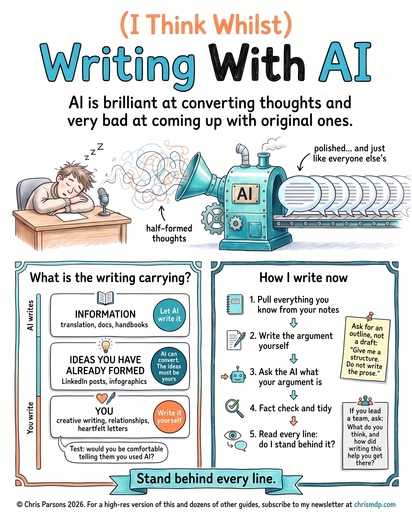
Infographic: (I Think Whilst) Writing With AI. What is the writing carrying, and how I write now, in five steps.

Get the next one first

Practical AI advice every week, plus dozens of high-resolution guides like this one.

Subscribe at chrismdp.com ↗

Shortcuts. They work in either window, and both windows move together.

  • → Space PageDown next step, or next slide
  • ← PageUp back a step, or previous slide
  • Shift+→ / Shift+← skip the steps: jump a whole slide
  • Home first slide · End last slide
  • Type a number, then Enter: go to that slide
  • Esc clear a number you are typing, or leave fullscreen
  • P switch this window between notes and slides
  • N open the notes window
  • ? show or hide this help
  • F fullscreen: hide the top bar and footer
  • D switch between deck and one long page
  • Reload either window and the other reloads too
  • Click a picture below to go to that slide

© Chris Parsons

? help

→ ← next / back · Shift+→ skip to next slide · N notes window · ? help · F fullscreen · D switch view · Home go to start