
Past Talk
This post is based on a workshop given on 24th September 2026 at design+AI.
Building a working prototype with AI is easy now: ask Claude to build you something cool and it will. Shipping that prototype, so that it is live and useful and does not fall over, is a different problem. On Thursday I spent a morning in Brighton with a room of designers and product people working through the practices engineers rely on to make that second part possible. We did not write any code ourselves. The agent did all of that. Our job is simply knowing what to ask for.
There is a mystique around engineers and how they work, but we are not always that clever, and our whole job is managing complexity. The systems we build are too complicated to hold in our heads, so over the years we have built up habits that let us keep going without everything falling over. I think of them as the foundations under a building, without which you can only go so high before it collapses. A lot of these habits are about being lazy in a disciplined way, so that you do not have to think about the same thing twice.
That matters even more now. I do not know any engineers who still write code by hand, because they tell the AI what to write. Agents are good at making sensible decisions, but they still need nudging, and whether you type the code yourself or tell an agent to type it, you have to know the important things to say so that it does not make a mess.
We built a small lighthouse adventure game (we were in the Lighthouse centre, after all) in Claude Code or Codex in the terminal. The terminal gives the agent the most access to your machine and your files, so it can do the most for you. Then we worked through nine steps.
1. Start With What People See
The first step was to build a prototype and play with it. Engineers call this working outside in: you start with what the customer sees and work back towards how it works underneath. People in the room asked for more rooms, or for SVG pictures, or for new fonts, and each change took moments. When you start a new app you often have little idea of what you want, and you need to play with it to find out. Doing that while it is small is far easier than doing it later, and it saves you building a large system underneath an interface that turns out to be wrong.
I asked everyone to tell the agent to keep it simple at this point. We were only prototyping, and a prototype that has already grown into a full app loses the advantage of being cheap to change.
2. Save Every Version
If you have ever saved a file called “presentation V2 final final”, you have already used a form of source control, because you were saving successive versions so that you could always go back. Engineers do the same thing with code using a tool called Git, and GitHub is the website where you publish those versions and share them with other people.
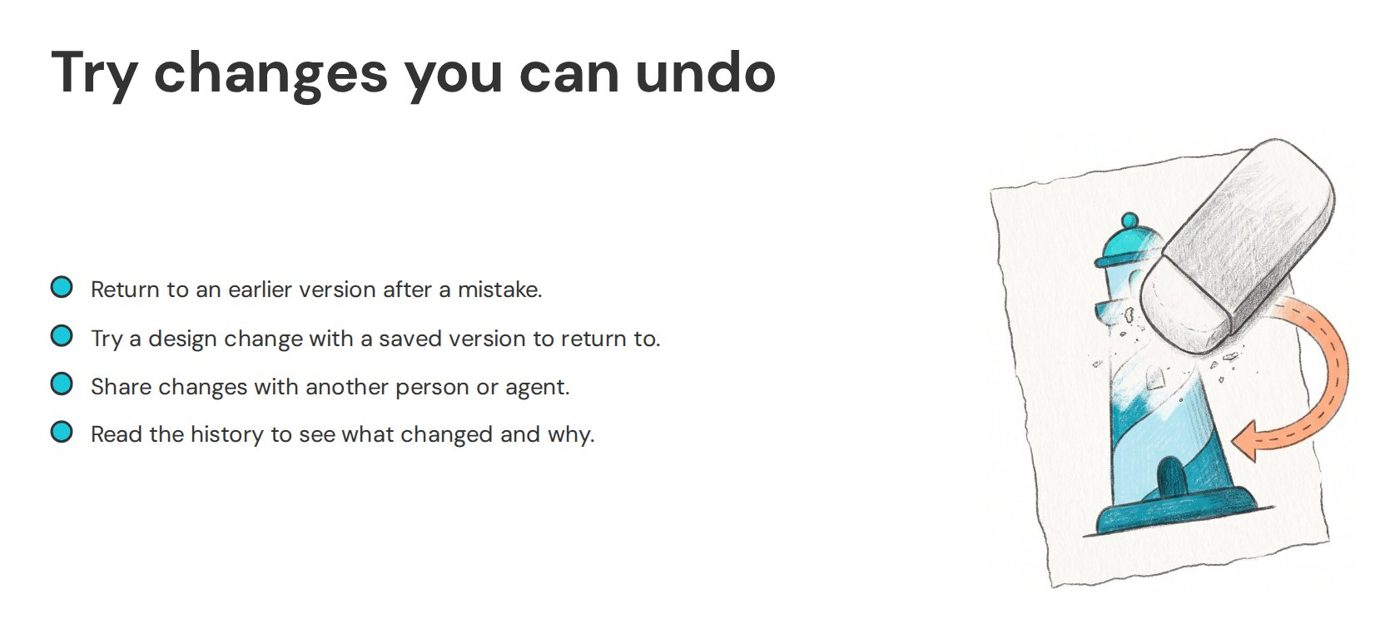
Git is hard to learn, with dozens of commands that even developers find confusing, but you no longer need to learn it. Claude knows Git far better than I do, so you can just ask it things: show me the last few changes, undo the change from three changes ago, take everything back to how it looked this morning, try this idea on a separate branch. I commit every five minutes or so, whenever I make a change, and I let the agent write the commit messages. If you want to understand something, keep asking the agent to explain it. Staying curious is probably the most important thing to take away from the whole session.
3. Deploy on Every Push
The third step was the hardest. We set up automatic deployment, so that every time you push a new version to GitHub it goes live for everyone within a minute or two. That sounds terrifying at first, but there are ways to stop a push from breaking things, which is what the later steps are for. The reason to set it up now is the same as before: deploying a tiny app is fiddly, but deploying a huge app that a team has spent six months building is much harder, and nobody can see any of the work until you do.
Setting this up meant dealing with secrets: the tokens that let GitHub tell the hosting service to publish your app. Secrets never go into your code, and instead live in a locked store that only the deployment process can read. This is one of the rules from the Twelve-Factor App, a standard developers use, and the test it gives is whether your code could be made public at any moment without leaking any credentials.1 When I worked on GOV.UK early on, the source code for sites like Number 10 and the Ministry of Defence was public for anyone to read, and it was still secure because nothing secret lived in the code.
One attendee asked a good question here. Claude would not let them paste a token into the chat and gave them a script to run instead. They could not read the script, so which was safer: running a script they did not understand, or pasting the secret into a chat that is not published anyway? My honest answer was that Claude is doing the right thing, because it has been trained not to hold your secrets, but it is not infallible. A model can be manipulated, or it can get part of a script wrong. In practice I have not seen it do anything stupid for a long time, and I trust it more now than I did at first, but I cannot promise it is always right, because I do not control the models. When you are unsure, this is a perfect moment to message a developer you know and ask whether the script is safe, which takes them five minutes.
4. Choose the Framework Early
Next we turned the prototype into a real app using Next.js. I pick Next.js because it is so widely used that agents know it better than almost anything else. It is not my favourite framework to code in, but I do not code any more, so I do not mind. A framework gives the agent a structure: it knows where the code goes, where the assets go and how everything fits together. Without one, the code gets messier as it grows, and you find yourself asking the agent to clean it up again and again. When Next.js first came out, this conversion would have taken a mid-level developer half a day or more, and the agent did it in minutes.
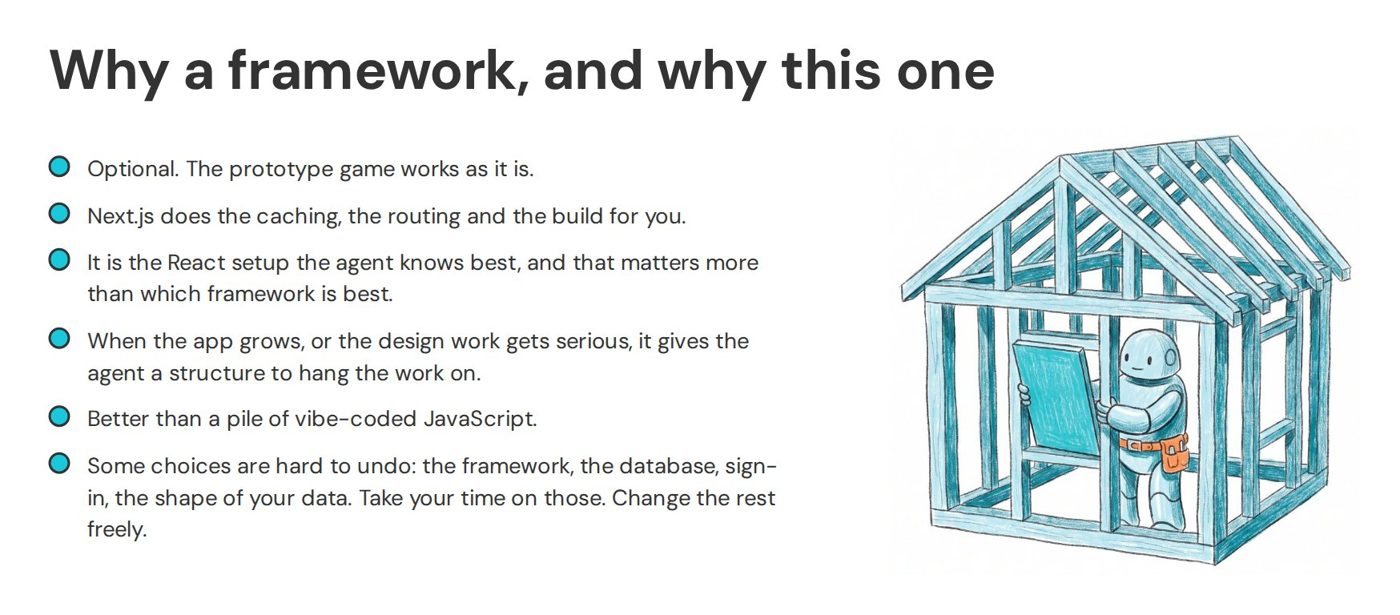
Choosing a framework is harder to undo than most changes, though. If you build on it for a few days and then decide you want something else, that is a lot of work to unpick. A few decisions are like pouring cement: the framework, the database, how people sign in and how your data is managed. Those are worth talking through with the agent before you start. Should this be a mobile app? What about accessibility? What is the difference between React Native and Flutter? The agent knows the trade-offs as well as any senior developer, and you do not need to be one to ask. People ask me about spec-driven development, where you write a detailed specification for the AI first. I am not a fan of formalising that too early. A thoughtful conversation with the agent, followed by asking it to write down what you agreed, is usually enough. There is no point getting it to write a big spec if you are not going to read it.
5. Let the Build Say No
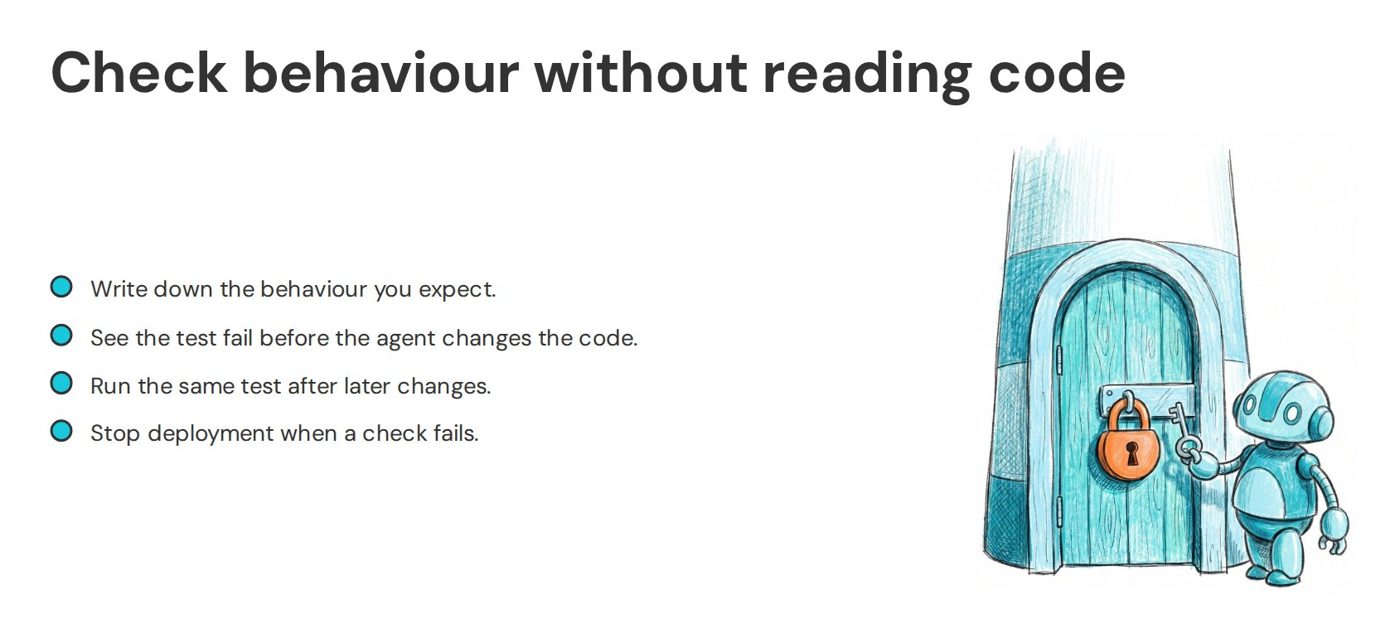
Once every push goes live, you need a way to stop a broken change from reaching people. So the fifth step added automated tests and a build. Tests are code that runs against the app itself, rather than for your customers, to check that it still does what you expect, whether that is a sum coming out right or the arrow keys moving you between rooms. When you push to GitHub, the build runs all the tests, and if any fail the change never goes live.
The game used the arrow keys, so once it was deployed a couple of people opened it on their phones and found they could not move at all, because phones have no arrow keys. That was a useful accident! Things you did not expect turn up as soon as real people on real devices touch what you built. It is exactly the kind of mistake you can ship without noticing, and then you are fixing it while the support requests pile up. (I have been in a room full of developers fixing a system while it was being announced on the BBC, and I do not recommend it.)
I asked the agent to write each test before the code, which is called test-driven development. It writes a test for the new behaviour, runs it and watches it fail, then changes the code until it passes. Writing the test first forces you to decide what the code should do, and it lets you build in small slices. Not everyone agrees with writing the test first, but everyone agrees you should have tests, and putting them in early means you start as you mean to go on.
We then broke the build on purpose, by telling the agent to change the code and leave the test alone, then push it. GitHub showed a red cross next to the change and nothing went live. One attendee’s agent refused to do it at all, because the instructions contradicted the test. The rest did as they were told, which is a reminder that an agent will usually follow a clear instruction even when it is a bad one. A red cross only protects you if you fix it straight away, which is why I wrote back in 2012 that you should never leave a failing test.
6. Make Mistakes Harder
Four plus four is eight, but the text “4” plus the text “4” is “44”, because adding two pieces of text just joins them together. Computers treat numbers and text differently, and JavaScript, the language of the web, tries to be clever about guessing which one you mean. In a big program, that cleverness makes it hard to work out what is going on. TypeScript makes the types explicit, so mistakes show up early. The easier it is for a person to reason about the code, the easier it is for an agent too. If you are not a programmer, the advice is short: tell the agent to use a typed language (TypeScript is a good default if you are building for the web).
Linting is the tidying part. I admitted I did not know where the name came from, and one attendee suggested a lint roller, picking the fluff off your code, which is as good an explanation as any. A linter checks that the code is consistent and well formed and flags anything left lying around, such as code nothing uses any more. Developers used to argue endlessly about whether to indent with tabs or spaces. In the end, bored CTOs handed the decision to the linter, and nobody has to care any more. Lint and type checks go into the build alongside the tests.
7. Write Your Decisions Down
By this point we had made a number of design decisions about the codebase: Next.js, strict TypeScript, tests first, linting. Other people would choose differently, so the agent needs to be told. That is what an AGENTS.md file is for2: it sits at the top of your project and the agent reads it before every session. There is no point writing “be a really good programmer” in it, because that is already built in. Use it for your particular decisions and context: what the app is for, who it is aimed at, where your style guide lives, and rules like “commit after each small change” or “ask me before adding libraries”.
8. Build Features Quickly
With the foundations in place, I gave everyone ten minutes to build the most impressive thing they could. Once the scaffolding is there, you can add a feature every two or three minutes. My favourite technique for this is to say “ask me one question at a time until you have enough information”. If you want multiplayer but know nothing about it, the agent will ask whether you want turns or real time, then whether there is a timer, and it keeps going until it can build what you want. I use the same questioning approach when coding, as I described in my Ditch Autocomplete talk.
9. Data Does Not Roll Back
The last step moved the game’s rooms out of the code and into a database. A database looks a lot like a spreadsheet, with stricter rules, and it can grow to billions of rows. Storing the rooms as data means you can change them without changing and redeploying the code, and you can track players and where they are.
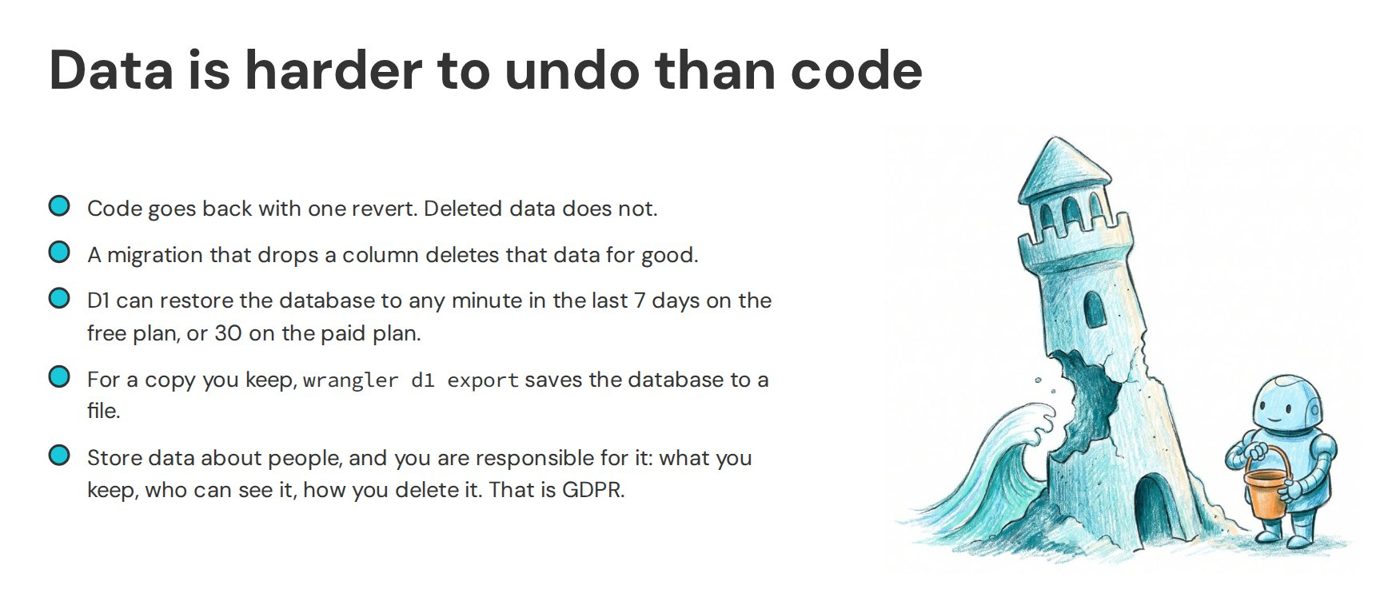
Data brings its own risks, and I used the recent NATS air traffic control failure as an analogy. The faulty software was rolled back quickly, but the disruption took days to clear, because planes and crews were all in the wrong places. Code is like that software: you can roll it back fast. If a bug has sprayed bad data through your system, cleaning it up can take far longer. Changing the shape of the data, such as adding a table or renaming a column, is done with a migration: a small file in your project that describes the change and runs as part of the build, and the agent writes it for you. If you store anything about people, you also need to think about regulations like GDPR.
If any of this gets too technical, ask the agent to explain it again in simpler terms. I often ask it to explain things as if I were 15. (I tried asking it to explain things as if I were five, but I got a lot of fluffy bunny analogies.)
Call an Engineer For These
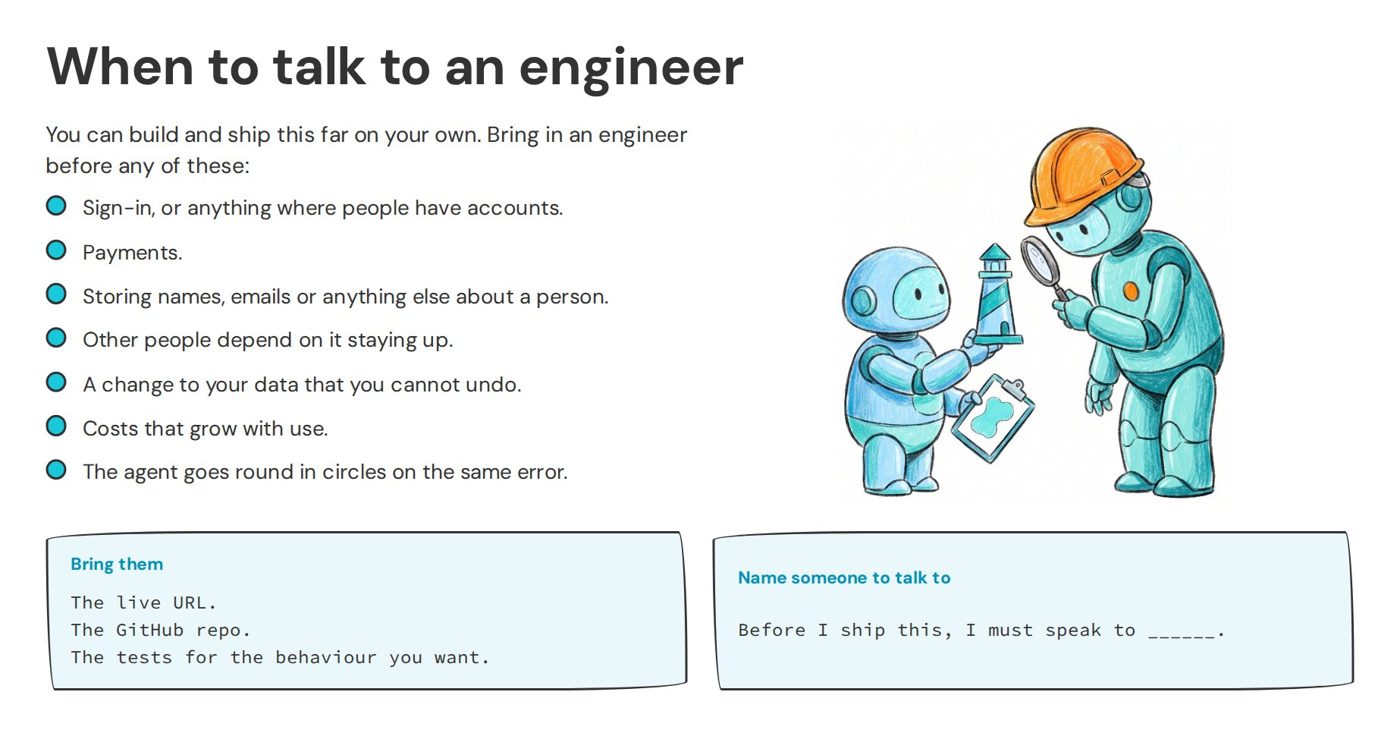
AI can do a huge amount of this on its own, but the more complex your app gets, the more you will need to talk to a friendly engineer. Sign-in is easy to get wrong, so use a provider like Auth0 or Supabase rather than having the agent build its own. Do not have it write anything that takes credit card details either, and let Stripe handle payments. If you are storing personal data in any professional setting, compliance matters, and it is worth checking that you are storing it securely. Before real people rely on your app, and certainly before you charge them, get someone to review it. The same goes for any data migration that makes you nervous, and keep an eye on your cloud bill, because people have had some nasty surprises. You could ask another agent to check your work, and it would probably do a good job, but an agent cannot be accountable, and asking someone to check is a decent thing to do.
Engineering Is Unlocked
Engineering is not scary, and it is not out of reach. None of these practices needs you to write code. They are things you can ask an agent to set up for you today.
Take a prototype you have already built and open it in Claude Code or Codex. Ask the agent to put it in Git, publish it to GitHub and set it up so that every push deploys it automatically. Then ask it to explain each step it took, one at a time, until you could explain it to someone else.
The agent writes all the code now, but you still need to know what to ask it for. Engineers have spent decades building habits that make complicated software manageable: small versions you can rewind, deployment on every change, tests that stop a bad change going live, and data you treat with care. You need to know those habits exist, ask the agent to set them up, and keep asking it questions until you understand what it has done. I go further into how I work with agents in my post on coding with AI.
-
III. Config, The Twelve-Factor App. ↩
-
Claude Code used to read only CLAUDE.md, but Anthropic added AGENTS.md support on 18th September 2026. In a project with no CLAUDE.md it now reads AGENTS.md, so one file works for Claude Code, Codex and most other agents. ↩