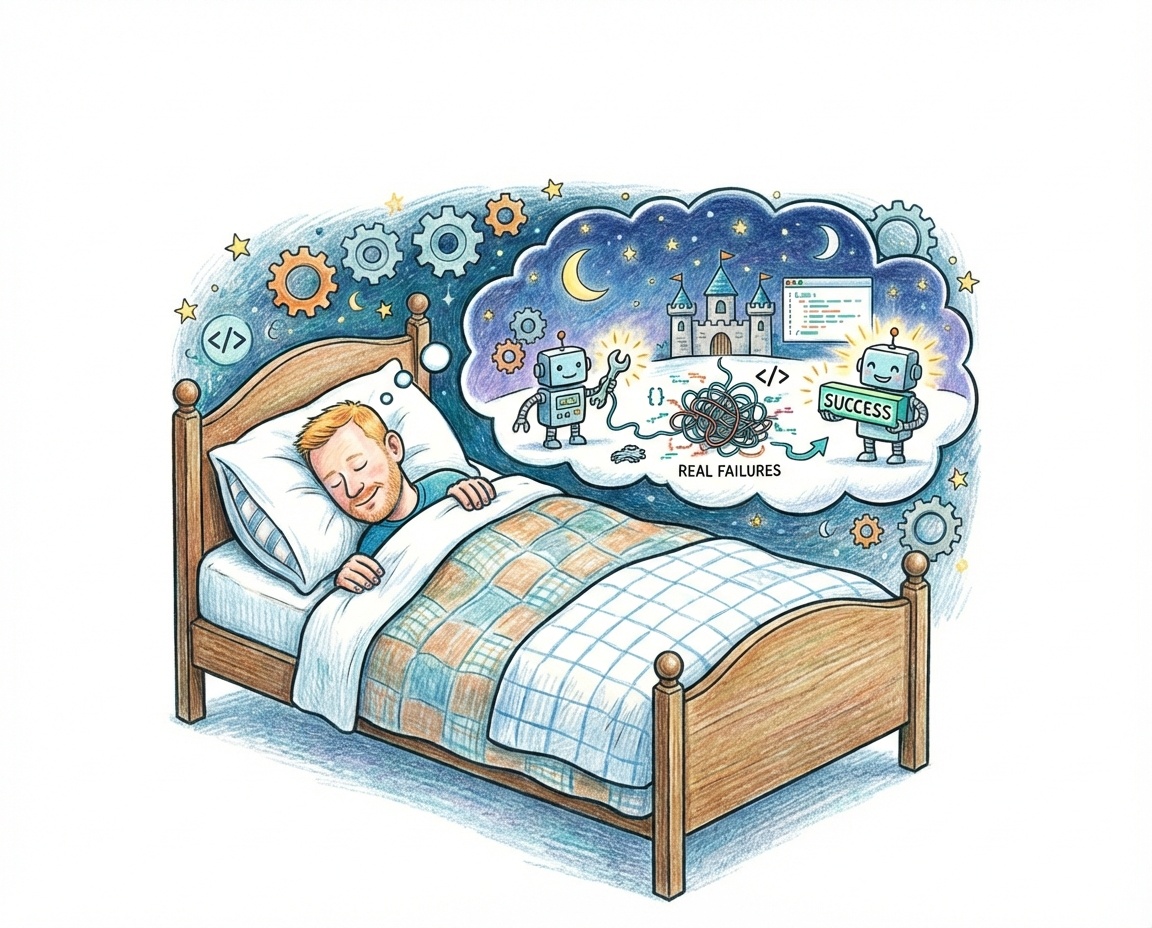
A contractor I spoke to this week put it perfectly: he much prefers a not-so-smart agent with full context over a genius agent that knows nothing about the project. That captures everything I have learned about getting AI agents to ship code autonomously, and it is what this webinar was about.
Delegation Is the Bottleneck
I spent years as a CTO directing coders. I would take client requirements, translate them for my developers, and wonder why the output was never quite right. My developers were smart, but I was filtering out the context they needed to make good decisions. I was “mushrooming” them, as the saying goes.
We make the same mistake with AI agents. We take what we think needs building, strip it down to a terse prompt, and expect brilliant output. Then we blame the model when it produces something that misses the point entirely. It is the same problem I had managing human teams.
Successful delegation follows a progression. You start by doing the work yourself while the agent watches. Then you collaborate, approving each action before it happens. Eventually you move to spot checks, and finally to something closer to autonomy. The mistake is jumping straight to “fire and forget” without building up the context layer that makes autonomy possible.
The Ralph Loop
The core automation I have been running is a shell script called Ralph. Claude wrote most of it. The script checks whether the working directory is clean, calls Claude Code, grants it controlled access to a Chrome browser, and gives it one instruction: read Ralph.md, pick up where the last engineer left off, and complete one task from the backlog.
The key design decision is framing each invocation as “one engineer in a relay team.” Each run gets a fresh context window, picks the most important task from the backlog, completes it, commits, and exits. The next iteration starts clean and picks up the next task. Serial execution, not parallel, because the bottleneck is not code generation speed but my ability to think of what should be built next.
This is why I prefer Ralph loops over spec-driven development. With a spec file, you define step one through step eight upfront and then shepherd the agent through each step sequentially. With a backlog-driven loop, the agent decides what matters most based on dependencies and project state, and you can feed in new tasks from a separate project management session that get picked up naturally.
Context Is Everything
Every time a task blocks because the agent does not have enough information, I treat it as a context failure, not a model failure or a prompt engineering problem. Just like when a developer on your team gets stuck, the right response is not to hand them the answer but to give them the context they need to find it themselves.
This means providing semantic search tools so the agent can explore the codebase. It means writing architectural decision records that the agent can reference. It means building a rich CLAUDE.md file with project-specific rules and patterns, and extracting repeatable workflows into skills that the agent can invoke. Every piece of context you add makes the next autonomous run more reliable.
I have adopted deliberately boring architecture and boring technology choices to make this work: standard Next.js patterns, common defaults, no clever abstractions. The more conventional the codebase, the more existing training data the model can draw on to make good decisions without asking.
Visibility Without Presence
Testing is the baseline, but an enormous amount of what we do as developers is visual, and we make judgements that tests alone cannot capture. Autonomous loops used to fall apart for me here.
The solution was giving the agent access to a browser. Claude’s Chrome extension lets it fire up a window, navigate to localhost, click around, check console errors, and take screenshots. When Ralph loops are running on my machine, Chrome windows pop open and close as the agent inspects its own work, which is slightly eerie but works well for UI tasks.
For mobile development I had less success. I was working with Flutter and could not get a good feedback loop with the mobile simulator. The workaround was switching temporarily to Flutter web so the agent could click on elements and see the results. Without that visual feedback loop, the agent becomes the slowest part of the system because you end up being the one who has to check everything manually.
Sizing and Guardrails
Task sizing matters more than I expected. A one-minute fix has too much overhead for the loop. An hour of work risks blowing the context window. Around 15 minutes of work per task hits the sweet spot. If a task is too large, my rules tell the agent to break it into smaller tasks and exit cleanly. The next loop iteration picks up one of those smaller chunks.
I burnt through my entire Max 5 Claude plan in about three hours when I first started running these loops seriously. Token consumption is real. I upgraded to Max 20 and have not run out yet, but it is a cost to plan for. At £150 a month, the return is worth it for me. I generated an entire slide deck, including automated visual quality checks, in about 90 minutes the day of this webinar.
Start interactively. Do not jump straight to non-interactive mode, because permission checks will fail if you have not already approved the right patterns. Certain tasks, like anything involving infrastructure keys or Cloudflare workers, should always be interactive. I do not run with dangerously skip permissions on my main machine and I would not recommend it unless you fully understand the implications.
One practical gotcha: if you run a project management process updating your issue tracker at the same time as a Ralph loop, they will fight over the same Git branch. Use a separate sync branch for your issue tracking to avoid merge conflicts.
Everything Is a Loop
The realisation that keeps hitting me is how loopable most knowledge work is. A software developer checks the backlog, reviews outstanding PRs, picks a task, completes it, pushes it up, and repeats. A product manager checks analytics, reviews experiment results, updates the backlog, talks to engineers, and repeats. Both are loops.
I now have a heartbeat script running on my VPS every 20 minutes. It checks reminders, scans my email, runs through a list of automated checks. I got Claude Code to set up a full A/B experiment on my blog, autonomously: experiment design, JavaScript implementation, deployment, and monitoring. That took about 10 minutes to set up.
The constraint I face now is not the agent’s ability to write code but my own ability to think of things for the agent to do. We are moving from a world where execution is the bottleneck to one where imagination is, and I am not sure we are ready for what that means. But running these loops has given me a glimpse of it.
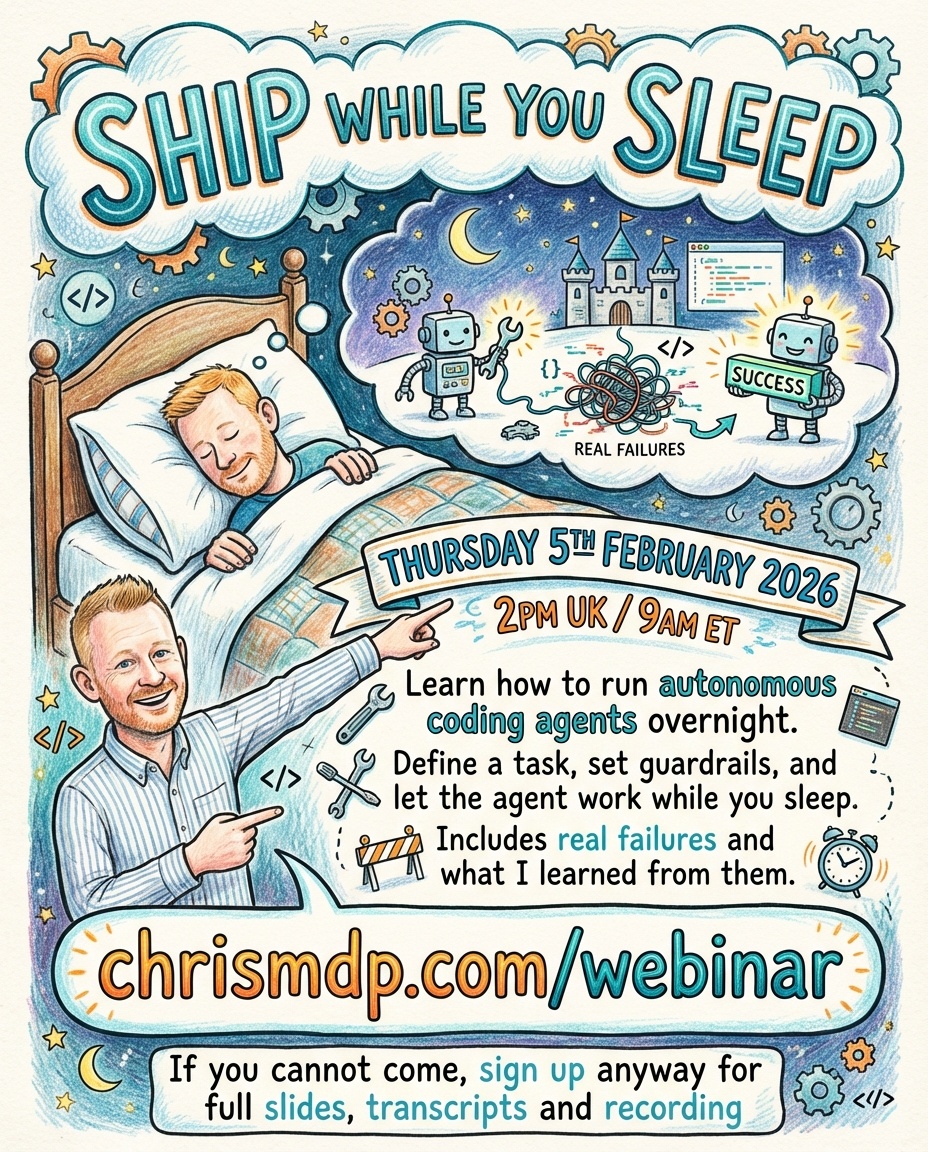
Since the webinar, Anthropic shipped Agent Teams for Claude Code1, an experimental feature that coordinates multiple Claude Code instances with shared task lists and inter-agent messaging. One session acts as team lead, spawning teammates that each work independently in their own context window. This is close to the “ship while you sleep” architecture I have been building towards with Ralph: a team of agents researching, building, and reviewing in parallel. The difference is that Agent Teams handles the coordination layer that I have been stitching together with shell scripts. I have not tried it yet, but this is the direction everything is heading.
Getting Started
If you want to try this yourself, start interactively. Create some tasks, run the loop, and gradually step back from the interactive process. Build up the context layer over time rather than trying to get it perfect on the first run.
The basic setup I use is available on GitHub and I have written extensively about the process on this site, including a practical guide to running Ralph loops.
Tools and Resources
- Ralph loop setup on GitHub - the basic script and configuration I demonstrated
- Beads - Git-based local issue tracking used for backlog management
- CK semantic search - embedding-based codebase search for giving agents context
- Claude Code Chrome extension - browser access for visual feedback in autonomous runs
Key Takeaway
Context beats intelligence. A mediocre model with full project context will outperform the best model running blind.
This is not fully autonomous yet. Token costs are real, visual feedback does not work for every platform, and plenty of tasks still need a human in the loop. But I can hand off well-scoped tasks overnight and wake up to working code more often than not, and that gap is closing faster than I expected.
Context beats intelligence. A mediocre model with full project context will outperform the best model running blind. Every time your agent blocks or makes a poor decision, ask yourself what context it was missing and make that context permanently available. That compound investment in context is what will close the remaining gap.
One Thing to Try This Week
Take your most repetitive coding task and write it as a single bead: a clear description of the desired outcome, the acceptance criteria, and any relevant context. Run it interactively with Claude Code, approve each step, and observe where the agent hesitates or makes wrong assumptions. Those hesitation points are context gaps. Fill them in your project rules file, and you will be one step closer to handing that task off entirely.
-
Claude Code’s Agent Teams is currently experimental and disabled by default. It enables a lead session to spawn teammates, assign tasks via a shared task list, and have agents message each other directly. All teammates inherit the lead’s permission settings. ↩
Previous Webinars